
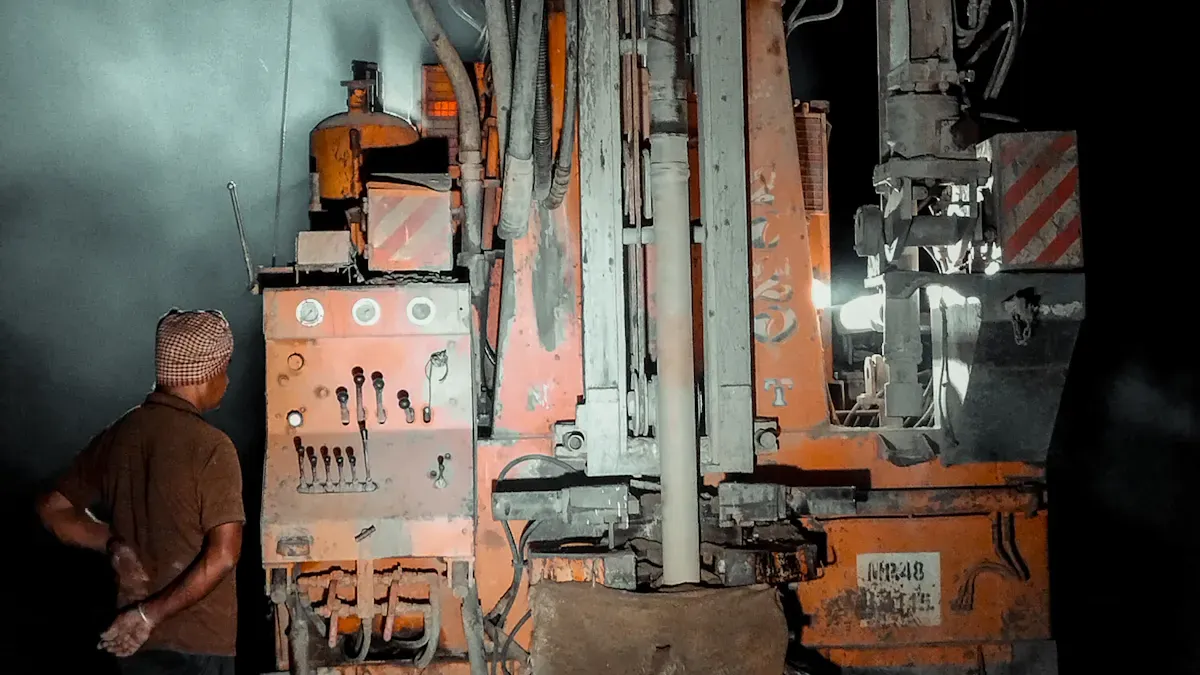
You need mining drills that work efficiently, and that’s why Mining Drills Thermal Guard Solves Heat Problems is essential. Taking good care of your equipment ensures your drills last longer and prevents unexpected breakdowns. Proper maintenance saves money on repairs and keeps everyone safe. Regularly checking for heat issues is a key part of good care, and it highlights the importance of CEGC. With CEGC, Mining Drills Thermal Guard Solves Heat Problems, providing the protection your equipment needs.
Key Takeaways
-
Checking mining drills often helps find heat problems early. Look at fluid levels, leaks, and how the drill works every day. This keeps the drill safe to use.
-
Good lubricants and clean filters stop overheating. Lubrication lowers friction and helps drills work well.
-
Adding Thermal Guard makes things safer. It cools the drill by itself and checks the temperature all the time. This system stops breakdowns and helps the equipment last longer.
Causes Of Overheating In Mining Drills
Poor Ventilation
Mining drills need good airflow to stay cool. If ventilation is bad, heat gets trapped inside. Air cannot move well, so parts get hotter. The drill works less efficiently. Hot weather makes this problem worse. You can find poor ventilation by looking for blocked vents or dust during daily checks.
Heavy Workloads
Mining drills often work for many hours without stopping. Heavy workloads make the equipment work very hard. Running all the time increases the chance of overheating. The drill does not get a break to cool down. You should watch how much the drill works and plan breaks. This helps control heat and keeps the equipment working well.
Inadequate Maintenance
Cleaning and maintenance are important to stop overheating. Dust and debris can build up inside the drill. This blocks airflow and makes cooling harder. If you skip maintenance, filters get dirty and lubrication is not enough. Even small things, like a dirty filter, can cause overheating if ignored. Inspections help you find these problems early and manage heat better.
Tip: Clean your equipment often and check filters to help control temperature.
Low-Quality Lubricants
Lubricants stop parts from rubbing and making too much heat. Low-quality lubricants break down quickly and do not protect well. This causes more friction and raises the risk of overheating. You should use good lubricants and check fluid levels often. Good lubrication helps manage temperature.
Prevention Tips For Overheating
Daily Inspections
Check your mining drills every day. Inspections help you find overheating early. Look for low fluids, leaks, and problems with how the drill works. Use temperature monitors to watch heat. The table below shows what to check and why it matters:
|
Aspect of Inspection |
Importance in Overheating Detection |
|---|---|
|
Monitoring fluid levels |
Low fluids can cause overheating because parts do not get enough lubrication. |
|
Detecting external leaks |
Leaks make fluids go away, which can lead to overheating. |
|
Observing performance during operation |
Problems with how the drill works can mean overheating is happening. |
|
Temperature monitoring systems |
These systems help you watch heat and take action before problems start. |
Shaded Storage
Keep your drills in shaded places. Sunlight makes drills hotter and stresses them. Shade keeps drills cool and stops overheating. You protect your drills and lower the chance of breakdowns.
Work During Cooler Hours
Plan work for mornings or evenings. Many Texas mining sites use this cooling guide to avoid hot times. Drills work better when it is cooler. You lower the risk of shutdowns from heat and keep drills working well.
-
Morning or evening shifts help drills stay cool.
-
Drills last longer if used in cooler hours.
-
You stop sudden breakdowns from overheating.
Regular Cleaning
Clean your drills often. Dirt and debris block airflow and make heat build up. Cleaning keeps drills working well. You stop breakdowns and keep drills running smoothly. This cooling guide helps you control heat and avoid expensive repairs.
Monitor Fluid Levels
Check fluids every day. Lubricants help parts move easily. Bad or low fluids cause more friction and heat. Use good lubricants and refill fluids when needed. This step helps cooling and keeps drills safe.
Use Advanced Cooling Systems
Upgrade drills with advanced cooling systems. These systems control heat and protect parts. The table below shows different cooling methods and their benefits:
|
Cooling Method |
Temperature Control |
Noise Level |
Additional Benefits |
|---|---|---|---|
|
Liquid Cooling |
45 to 60 degrees C |
Low |
Removes heat much better than air cooling |
|
Immersion Cooling |
40 to 55 degrees C |
Silent |
Keeps dust away, no hot spots, works very well |
|
Heat Exchangers |
Steady temperature |
N/A |
Protects parts from heat damage, makes drills last longer |
These cooling systems help you manage heat and make drills last longer.
Install Temperature Sensors
Put temperature sensors on your drills. Sensors watch heat all the time. You find hot spots and airflow problems fast. Monitoring helps you stop overheating and protect your drills. Good sensors lower maintenance costs and help you control the process.
Tip: Follow these steps to keep your mining drills safe and working well. Operators and managers should use this cooling guide for best results.
Mining Drills Thermal Guard Solves Heat Problems
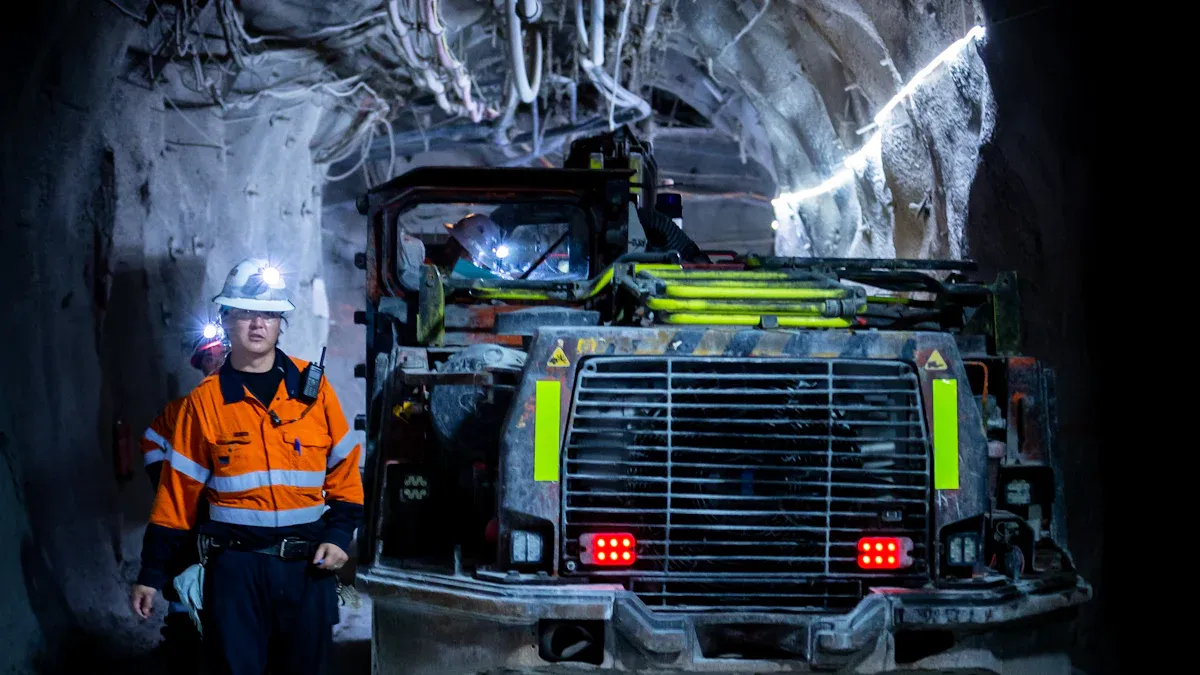
Mining drills can get too hot and break down. This can cost a lot to fix. You need something that works every day to keep drills safe. Mining drills thermal guard solves heat problems with smart tools and tough materials. This part explains how Thermal Guard helps stop overheating and supports your safety steps.
Advanced Heat Detection
Thermal Guard has sensors that check drill temperature all the time. You get a warning if the drill gets too hot. These sensors find hot spots before they cause harm. You can see the numbers on an easy screen. This helps you notice bad airflow or hard work early. Mining drills thermal guard solves heat problems by giving you quick updates so you can act fast.
Note: Finding problems early lets you fix them before they get worse.
Automatic Cooling
Thermal Guard has a cooling system that works by itself. If the sensors find high heat, the cooling starts on its own. You do not have to stop working or wait for help. The cooling uses fans and special fluids to cool down fast. This helps with hard jobs and keeps drills working longer. Mining drills thermal guard solves heat problems by making cooling simple and sure.
-
Fans turn on when heat goes up.
-
Cooling fluids move to hot spots.
-
The system works without you doing anything.
High Thermal Conductivity Materials
Thermal Guard uses materials that move heat away from key parts. These materials keep drills cool even during hard work. You do not need to worry about bad lubricants or blocked air. The materials last long and protect your drills. Mining drills thermal guard solves heat problems by using smart design to keep drills safe.
|
Material Type |
Heat Transfer Ability |
Benefit for Drills |
|---|---|---|
|
Copper Alloy |
Very High |
Moves heat away fast |
|
Aluminum Composite |
High |
Keeps parts cool |
|
Ceramic Insulation |
Moderate |
Protects from sudden heat |
Easy Integration
You can add Thermal Guard to your drills without big changes. The system fits most drills and works with what you have. You do not need special tools or extra lessons. It is quick to install and does not stop your work. Mining drills thermal guard solves heat problems by making upgrades easy and fast.
Tip: Pick Thermal Guard for quick setup and fast results.
Mining drills thermal guard solves heat problems by using smart sensors, automatic cooling, strong materials, and easy setup. You get a safe solution that protects your drills and helps with daily care.
How To Install Thermal Guard
Preparation Steps
First, gather all tools and parts you need. Look at your mining drill’s manual to see if Thermal Guard fits. Make sure your drill is clean and not hot before starting. Read the installation guide and safety rules. Wear gloves and goggles to stay safe.
Tip: Always turn off power before you work on your equipment.
Installation Process
Here are the steps to install Thermal Guard:
-
Find where to mount the unit on your drill.
-
Use the brackets to attach the Thermal Guard unit.
-
Connect the wiring harness to the drill’s power supply.
-
Secure cables and check for any loose wires.
-
Turn on the drill and test if the system works.
The table below shows each step and why it matters:
|
Step |
Purpose |
|---|---|
|
Mounting |
Keeps Thermal Guard steady |
|
Wiring |
Gives power to the system |
|
Cable Management |
Stops cables from getting hurt |
|
Testing |
Makes sure everything works |
Configuration And Alerts
Set up the temperature monitor after you finish installing. Change alert levels to fit your drill’s needs. You can see live data on the screen. If the system finds high heat, it sends a warning. You act fast to keep your equipment safe.
Ongoing Maintenance
Check Thermal Guard when you do regular inspections. Clean the sensors and fans so they work well. Update software if needed. Replace old parts right away. This keeps your mining drills safe and helps them last longer.
Real-World Results
Reduced Overheating Cases
After you install Thermal Guard, overheating happens less. Many mining sites say their asic miners stay cooler and work better. Operators see fewer times when temperature jumps up. You can look at sensor data and notice fewer overheating events. One Nevada site said their asic miners had 60% fewer shutdowns from heat.
Note: Keeping things cool helps you avoid expensive repairs and keeps your mining running well.
Longer Equipment Life
Thermal Guard helps your asic miners last longer. You keep your machines safe by controlling temperature. Using good cooling and watching heat slows down damage. A Texas operator said their asic miners worked two years more than they thought. You save money because you do not need to buy new machines or fix them as often.
|
Benefit |
Before Thermal Guard |
After Thermal Guard |
|---|---|---|
|
Average miner lifespan |
3 years |
5 years |
|
Annual repair costs |
$10,000 |
$4,000 |
User Testimonials
Users share good stories about using asic miners with Thermal Guard. One manager said, "Thermal Guard kept our asic miners steady even in summer." Another operator said, "We stopped losing miners from heat. The system works every day." You can trust these results to help you choose.
Tip: Talk to other mining teams about Thermal Guard. You learn from their wins and make your own mining better.
You can prevent overheating by following these tips:
-
Schedule heavy work for cooler hours.
-
Give frequent breaks in shade.
-
Monitor for heat illness.
-
Use the buddy system.
Mining Drills Thermal Guard keeps your equipment safe. Stay proactive. Ask your team for feedback and update your heat safety plan often.
FAQ
How often should you check your mining drill’s temperature?
You should check the temperature every day. This helps you spot problems early and keep your equipment safe.
Can you install Thermal Guard on old mining drills?
Yes! You can add Thermal Guard to most old drills. The system fits many models and does not need special tools.
What should you do if the Thermal Guard sends a heat alert?
-
Stop the drill right away.
-
Check for blocked vents or low fluids.
-
Let the drill cool before you start again.


