
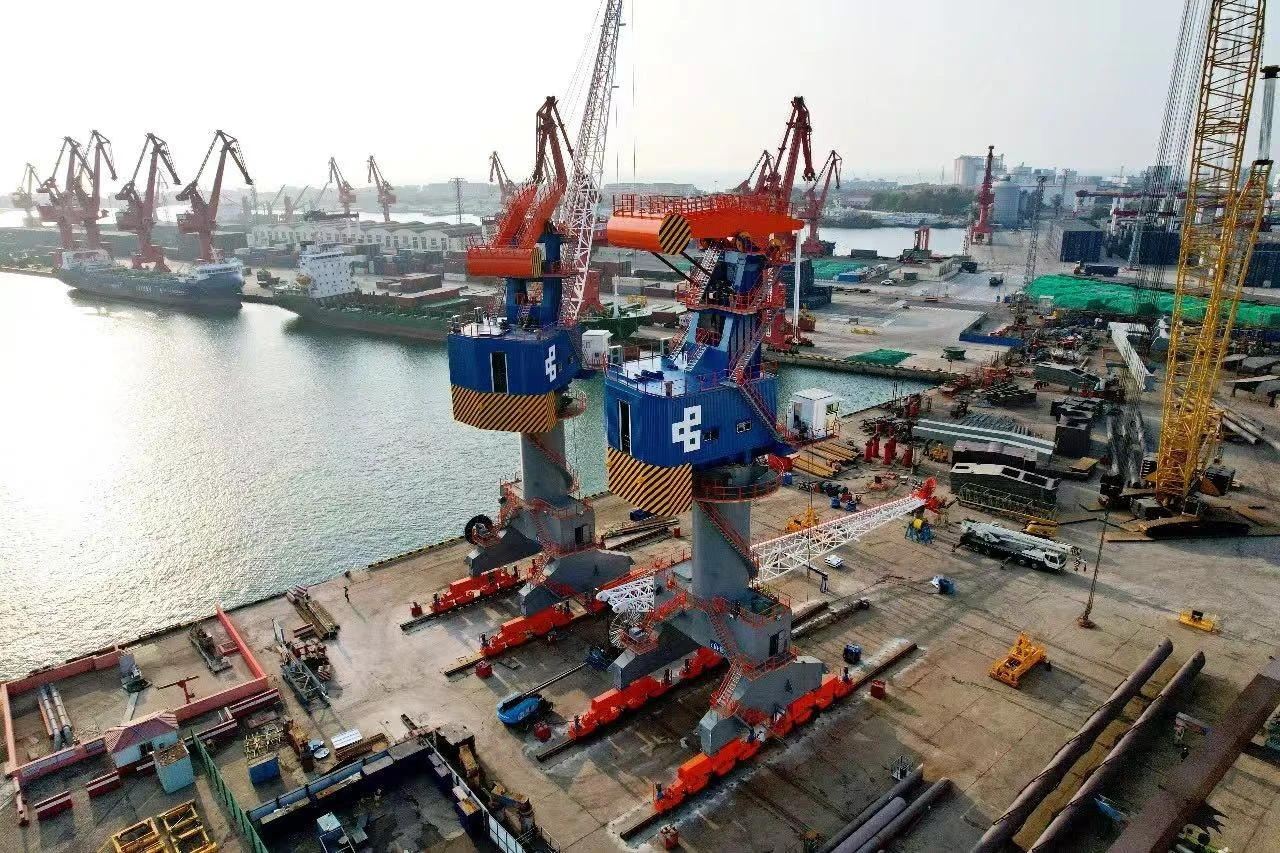
Understanding 'Container crane auto mode: when to override' is essential for safe and efficient port operations. Safety remains the top priority in every aspect of port work. By knowing the right moments to override auto mode on your container crane, you ensure both your team and equipment are protected. CEGC provides advanced systems designed to keep you safe and in control, empowering you to make the best decisions at all times.
Key Takeaways
-
Always be ready to stop auto mode in emergencies. Notice system problems fast to keep your team and equipment safe.
-
Do careful maintenance checks before using auto mode. This keeps things safe and helps find hidden problems.
-
Good communication is important when you stop auto mode. Use radios or hand signals so everyone knows what is happening and stays safe.
Container crane auto mode: when to override
System faults and emergencies
You need to know when to take control from auto mode. Sometimes, system faults can happen without warning. If you see a problem, you must act quickly to keep people safe. Some faults that mean you should override auto mode are:
-
A bad circuit in the electrification system can blow fuses.
-
If conductor bars and collectors lose contact, you get control problems.
-
Carbon graphite can build up on collector brushes and cause shorts.
-
Copper rails on conductor bars can get rusty or dirty, which hurts connections.
-
If conductor bars are not lined up, the crane can lose contact.
-
Radio waves can mess with the system, especially near welding or induction heating.
-
Push buttons or levers might stick or not work right on control systems.
If you spot any of these issues, follow your site’s emergency rules. Rules like EN 13000 say you can override auto mode in emergencies or rigging. When you do this, the crane moves slower to keep everyone safe. Emergency switches help you lower the load if a sensor fails or something else goes wrong. CEGC’s anti-sway and safety interlock systems help you handle these problems by stopping load sway and crashes.
Tip: Always look at the operator-centered HMI for alarms or error messages before you take manual control.
Maintenance and inspection
You have to override auto mode when you do maintenance or inspections. This lets you test the crane safely and find hidden problems. In manual mode, you can move the crane slowly and carefully. This helps you see things that auto mode might miss.
CEGC’s container handling equipment has safety interlocks and guided operation features. These tools help you follow the right steps during maintenance. Always look over the crane, check the winch brakes, and make sure all safety systems work before you start any maintenance.
Note: Only trained people should override auto mode for maintenance. This lowers the chance of accidents and keeps your team safe.
Safety and communication
Safety is always the most important thing when you think about overriding auto mode. You must talk clearly with your team before, during, and after you override. Use radios or hand signals so everyone knows what is going on. This stops confusion and keeps everyone safe.
Operator training is very important for safe overrides. You need to know the crane’s layout, safety features, and advanced systems. Training teaches you about manual control, pre-start checks, error messages, and how to avoid crashes. The table below lists the main training parts you should learn:
|
Training Component |
Description |
|---|---|
|
Crane layout, structure and components |
Learn about the crane’s physical parts. |
|
Familiarity with safety features |
Know how to use safety mechanisms. |
|
Understanding advanced operational systems |
Learn how complex systems work. |
|
Familiarity with crane management system |
Know how to use the CMS and handle errors. |
|
Manual intervention procedures |
Learn when and how to switch to manual mode. |
|
Pre start up checks |
Check the crane before use. |
|
Error and operator help messages |
Understand warning and help messages. |
|
Collision avoidance systems |
Know how to prevent accidents. |
|
Overview of crane operation manual |
Read and understand the operation manual. |
You must always follow CEGC’s rules and your site’s protocols. This keeps everyone safe and lowers the risk of load sway or crashes. When you use container crane auto mode: when to override as your guide, you protect your team, your equipment, and your operation.
Safe override steps and best practices
Preparation and checks
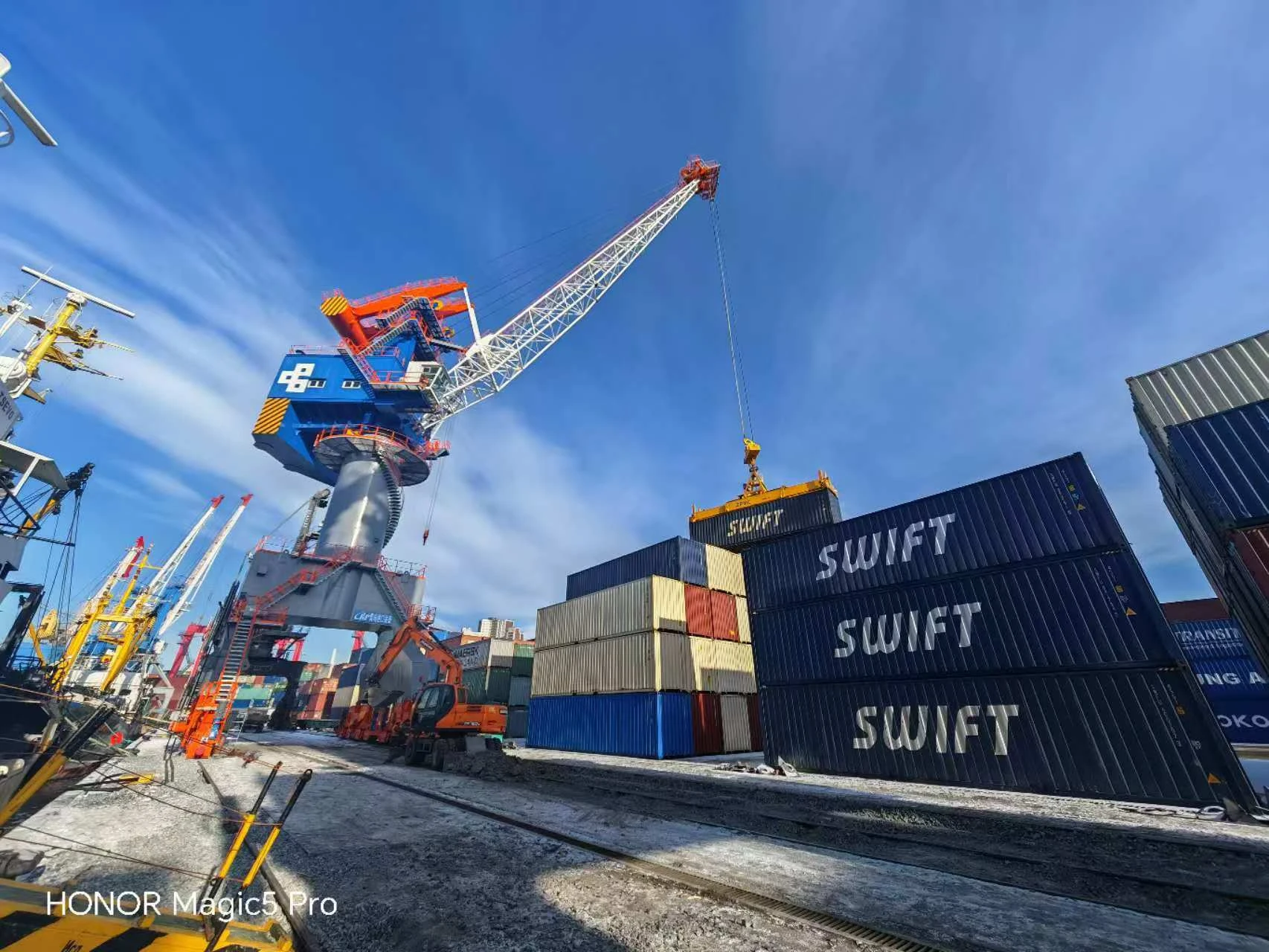
You need to get ready before you override auto mode. First, look at the crane and check for any problems. Check all slings to see if they are damaged or worn out. Look at shackles, eyebolts, and other rigging hardware for issues. Make sure every piece of rigging has a tag that shows how much it can lift. Check load securing devices and tag lines to see if they are in good shape. Make sure you have the right rigging for the lifts you will do today. Walk around the crane and look at each part for damage or mistakes in setup. Doing these things helps keep the operator safe and keeps everyone safe.
Engaging manual controls
When you use manual controls, follow each step in order. Use the operator-centered HMI to look for alarms or error messages. Only use the override switch after you know all systems are ready. Safety interlocks stop hoisting if the gantry is moving in an unsafe way. They also stop travel at the end limits and turn off motion if the crane is overloaded. Predictive maintenance features write down fault codes by themselves, so you can fix problems fast. These systems help you control loads safely and keep your equipment working well.
Post-override safety
After you finish using manual mode, follow your site’s rules. Many ports want you to use slow speed mode when workers are attached to lifting beams. Remote shut-off switches must be there to stop trolley, gantry, and hoist if needed. Safety indicators like lights or alarms let everyone know when the remote shut-off is on.
|
Protocol Requirement |
Description |
|---|---|
|
Slow Speed Mode |
The crane must move slowly when workers are on lifting beams. |
|
Remote Shut-off Switch |
Workers must be able to stop trolley, gantry, and hoist with a remote. |
|
Safety Indicators |
Lights or sounds must show when remote shut-off is being used. |
Talking clearly with people on the ground helps keep load control safe and protects everyone. Always follow CEGC’s rules and your site’s rules to keep everyone safe.
You should only override auto mode if safety is at risk or when CEGC’s rules say so. New technology helps you make safer choices. The table below lists new improvements in container crane systems:
|
Advancement Type |
Description |
|---|---|
|
Smart Sensors |
Watch the load and area, giving updates right away. |
|
Automated Load Management |
Changes loads to stop overloads. |
|
Enhanced Communication Tools |
Make talking easier and help prevent accidents. |
|
Predictive Maintenance |
Spots problems before things break. |
|
Performance Monitoring |
Checks crane stats to make sure it is safe. |
|
Incident Reporting and Analysis |
Helps people react fast and look into accidents. |
|
Artificial Intelligence (AI) |
Uses old data to guess dangers. |
|
IoT Integrations |
Gives quick data to help you decide better. |
Predictive maintenance helps you because it means fewer manual overrides. These systems use live data to spot problems early, plan repairs when things are slow, and help cranes last longer. If you are not sure what to do, ask your boss or CEGC support for help. Training often keeps you ready for anything. Port leaders use computer practice to test skills and make training better.
FAQ
What should you do if the container crane auto mode fails during operation?
Stop the crane right away. Tell your team about the problem. Follow your site’s emergency steps. Look at the operator-centered HMI for error messages before you use manual control.
Can you override auto mode for routine inspections?
Yes, you can override auto mode for inspections. This helps you move the crane slowly and safely. Only trained people should do this job.
Why is communication important when overriding auto mode?
Talking clearly keeps everyone safe. Use radios or hand signals to tell your team before, during, and after you override auto mode.


