
Strong mining machine heat protection prevents shutdowns, ensuring your operations run smoothly. Maintaining clean machines and ensuring good airflow are essential for keeping your equipment safe. According to CEGC, you should frequently check your cooling system, as dust and heat can quickly damage machines.
Act now to prevent costly downtime and keep your mining machines running efficiently.
Key Takeaways
-
Make sure air moves well and keeps things cool. Use open frame rigs and strong fans to stop machines from getting too hot.
-
Keep enough space between machines. This helps air move around and lowers the chance of sudden shutdowns.
-
Clean machines often to get rid of dust. Clean machines help cooling systems work better and make equipment last longer.
Mining Machine Heat Protection Prevents Shutdown Methods
Optimize Airflow And Cooling
You can stop machines from getting too hot by improving airflow and cooling. Mining machine heat protection prevents shutdown if you set up rigs with airflow in mind. Open frame rigs let heat leave faster than closed cases. Closed cases need strong exhaust fans to push out warm air. Put your machines in rooms with good ventilation. High static pressure fans push air through tight spots and keep things cool.
-
Open frame rigs help heat escape easily.
-
Strong exhaust fans remove hot air fast.
-
Make clear paths for airflow in your mining area.
-
High static pressure fans work well in tight spaces.
Tip: Never block vents or fans. Blocked airflow is a common mistake that causes overheating.
Proper Machine Spacing
Leaving space between mining machines stops them from overheating. When you give each unit enough room, air can move around it. This helps mining machine heat protection prevents shutdown. Machines too close together trap heat and may shut down unexpectedly.
-
Keep each mining rig a few inches apart.
-
Don’t stack machines or put them in corners.
-
Put power supply units in open spots to avoid heat buildup.
If temperatures go up, check how your machines are placed. Bad room ventilation and blocked airflow often cause overheating.
Power Management During Heat Peaks
Controlling power use is important for mining machine heat protection prevents shutdown. Using lots of power makes more heat. Most mining rigs use 300W to 1kW every hour. Running many machines at once makes heat build up quickly.
-
Watch your power use, especially when it’s hot outside.
-
Do mining tasks when the day is cooler.
-
Buy hardware that uses less power.
-
Use cooling systems like liquid cooling for high-power rigs.
Note: Mining machine heat protection prevents shutdown if you plan for heat peaks and change your power use.
Use Of Heatsinks And Advanced Cooling
You can stop overheating by using heatsinks and advanced cooling. Heatsinks use fans to move air and cool machines. Advanced cooling, like immersion cooling, works even better. In immersion cooling, you put mining machines in a special fluid. This method removes heat faster and lets machines run at higher speeds.
|
Cooling Method |
Efficiency Benefits |
Key Features |
|---|---|---|
|
Immersion Cooling |
Better heat removal and lower power use. |
Miners are put in dielectric fluid for higher performance and overclocking. |
|
Air Cooling (Heatsinks) |
Uses fans to move air, but is less efficient than liquid cooling. |
Uses built-in fans to control temperature, but air is not as good at moving heat. |
For the best mining machine heat protection prevents shutdown, use both methods. Heatsinks are good for basic cooling. Immersion cooling is best for high-performance setups.
Remember: Mining machine heat protection prevents shutdown when you use airflow, spacing, power management, and cooling systems together. Always check for dust and keep machines clean to stop overheating.
Maintenance And Monitoring For Heat Protection
Regular Cleaning And Dust Removal
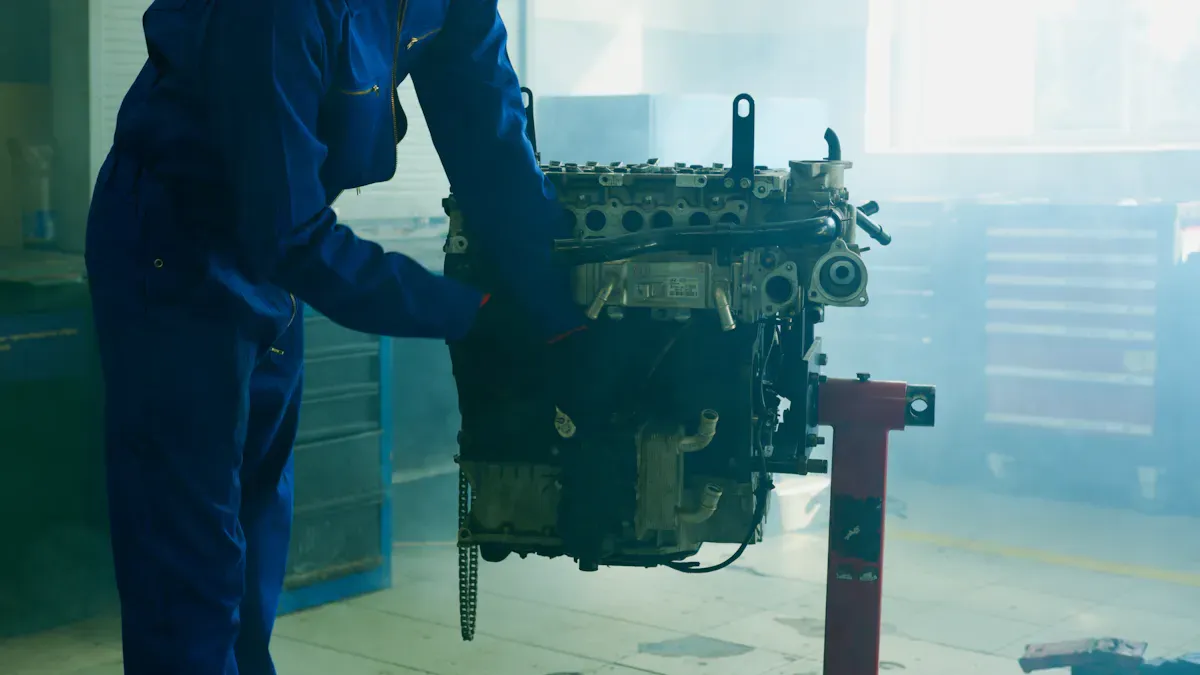
You should clean your mining machines often to stop overheating. Dust can block vents and fans. This makes cooling systems not work well. If you are in a dusty place, clean every 2-3 weeks. If your room is clean and has air filters, clean every 1-2 months. Big mining centers can wait 2-3 months between cleanings. Use a soft brush or compressed air to get dust off fans, radiators, and vents.
|
Environment Type |
Cleaning Frequency |
|---|---|
|
Dusty Areas (garages, basements, farms) |
Every 2-3 weeks |
|
Cleaner Rooms with Air Filters |
Every 1-2 months |
|
Professional Mining Facilities |
Every 2-3 months |
Cleaning your machines often helps stop overheating. It also helps your machines last longer.
Temperature Monitoring Tools
You can stop overheating by using good temperature monitoring tools. UpTime Wireless Condition Monitoring checks heat and finds strange vibrations. This tool helps you find problems early and stop shutdowns. You get alerts when things get too hot, so you can fix it fast.
|
Tool Name |
Features |
Benefits |
|---|---|---|
|
UpTime Wireless Condition Monitoring |
Watches temperature, finds overheating, and strange vibrations |
Helps you find problems early and keeps your team safe |
Use monitoring tools to stop overheating and protect your mining machines.
Preventive Maintenance Schedule
You should follow a preventive maintenance schedule to stop overheating. This means checking, cleaning, and changing parts often. There are different ways to do this:
-
Time-Based Maintenance: Do tasks on a set schedule.
-
Usage-Based Maintenance: Do maintenance after a certain amount of use.
-
Condition-Based Maintenance: Use sensors to find early signs of overheating.
-
Predictive Maintenance: Use sensor data to guess when things might break.
-
Prescriptive Maintenance: Get advice on what to fix.
Preventive maintenance lowers the chance of overheating. It also helps your machines last longer. Watching your machines all the time stops surprise shutdowns. Automatic logs help you keep track of work without extra writing. Dashboards show live updates and risk scores.
Preventive maintenance is the best way to stop overheating and keep your mining machines working well.
Quick Response And Long-Term Practices
Immediate Actions For Overheating
You need to act fast if your mining machines get too hot. Acting quickly can stop damage and keep your machines safe. Manufacturers give steps to help with overheating. You should do these things to protect your machines:
|
Description |
|
|---|---|
|
Shut down the machine or put it in sleep mode |
Turn off the machine right away to stop more heat. |
|
Let the engine idle before shutting down |
Let the engine cool down slowly. This stops damage from quick temperature changes. |
|
Move to a shaded area |
Move the machine to a cooler place to lower heat. |
Check for blocked vents and clean out dust if you see overheating. Battery management systems can find problems early and stop bad overheating. Operators who practice in labs learn to stop charging and use safety systems. These steps help you stop serious damage from heat. After overheating, tests show that acting fast keeps your machines safe.
Tip: Always watch temperature sensors. If you see high heat, do these steps right away.
Automated Systems And Staff Training
Automated systems can find overheating before machines shut down. Sensors and software send warnings when things get too hot. Automation helps you act fast and keeps machines safe. You should check for overheating risks often. Training staff is important for handling heat problems. When your team learns to spot heat and use safety systems, shutdowns are less likely.
-
Put in temperature sensors and monitoring software.
-
Set up automatic warnings for high heat.
-
Train staff in labs to handle overheating.
-
Check reports to find heat risks.
Automation and training help you stop overheating. You keep your mining machines working and avoid losing time and money.
You can help your mining machines work longer by using good heat protection steps. Clean your machines often and check their temperatures. If you see a problem, fix it right away. Doing regular maintenance helps you find issues early and keeps your machines running.
|
Benefit |
Description |
|---|---|
|
You can spot problems before shutdowns happen |
|
|
Improved fleet availability |
More machines will keep working for a longer time |
|
Stabilized workloads |
Repairs are easier to plan and manage |
Start using these steps now to keep your mining machines working well.
FAQ
What is the best way to prevent overheating in mining machines?
You should clean your machines often. Check cooling systems to make sure they work. Good airflow helps keep machines cool. Regular maintenance stops overheating and shutdowns.
How do cooling systems help mining machine heat protection prevents shutdown?
Cooling systems move heat away from machines. This keeps temperatures low. It helps you avoid overheating problems. Your equipment stays safe from shutdowns.
Why do mining machines face overheating issues?
Overheating happens if vents are blocked or cleaning is skipped. Poor airflow makes machines get too hot. Bad cooling systems cause shutdowns and damage.


