
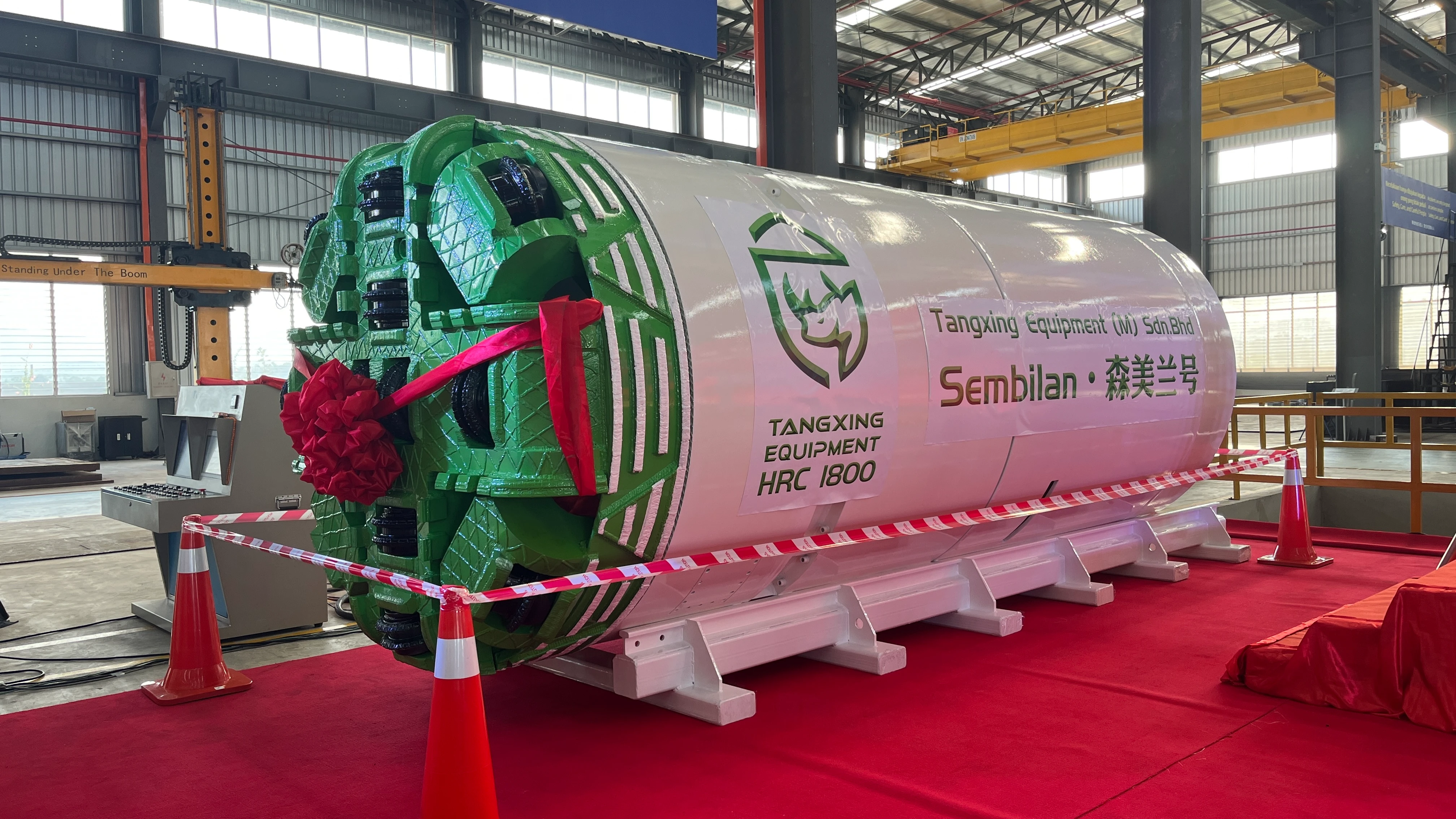
You need to watch every step when you put in piles so the load spreads out evenly. Use Pile Driver Uniform Load Distribution Controls to get the best outcome. Pick the right cushioning and check how the load moves to keep buildings safe. CEGC standards help you stop weak spots and make sure things stay strong for a long time.
Key Takeaways
-
Uniform load distribution is very important for building safety. It stops weak spots and makes sure all piles carry the load equally.
-
Good planning and checking the site are needed. Pick the best equipment and pile type to stop problems when putting piles in.
-
Checking and testing often helps find problems early. Use sensors and load tests to make sure piles work like they should.
Load Distribution Basics
Uniform Load Definition
It is important to know what uniform load means with piles. Uniform load is when every pile holds the same weight. This balance helps keep the building steady. It stops weak spots from forming. Using Pile Driver Uniform Load Distribution Controls spreads the load evenly. This keeps one pile from getting too much pressure. It helps keep the building safe.
Importance for Stability
Uniform load distribution helps pile-supported buildings stay stable. When you put in piles, how the load spreads matters for the building’s strength. Look at the table below to see how load changes as the ground settles:
|
Findings |
Description |
|---|---|
|
Load Distribution |
Corner piles hold more load than center piles when settlement is small. |
|
Settlement Effects |
As settlement gets bigger, the soil acts like a block. The load moves to center piles. |
|
Failure Analysis |
After too much settlement, corner piles hold less load. A fracture surface forms around the block. |
You can see the load moves from corner piles to center piles as the ground settles. This change can affect how strong and safe the building is.
Common Issues from Uneven Loads
If you do not control load distribution, you can have problems:
-
Not enough pile depth means weak support.
-
Pile ends that miss the load-bearing layer lower capacity.
-
Too much penetration makes piles weaker.
-
Differential settlement causes uneven sinking.
-
Low pile bearing capacity can happen from pile damage or mistakes in soil checks.
You need to watch for these problems and use good controls to stop them.
Pile Driver Uniform Load Distribution Controls
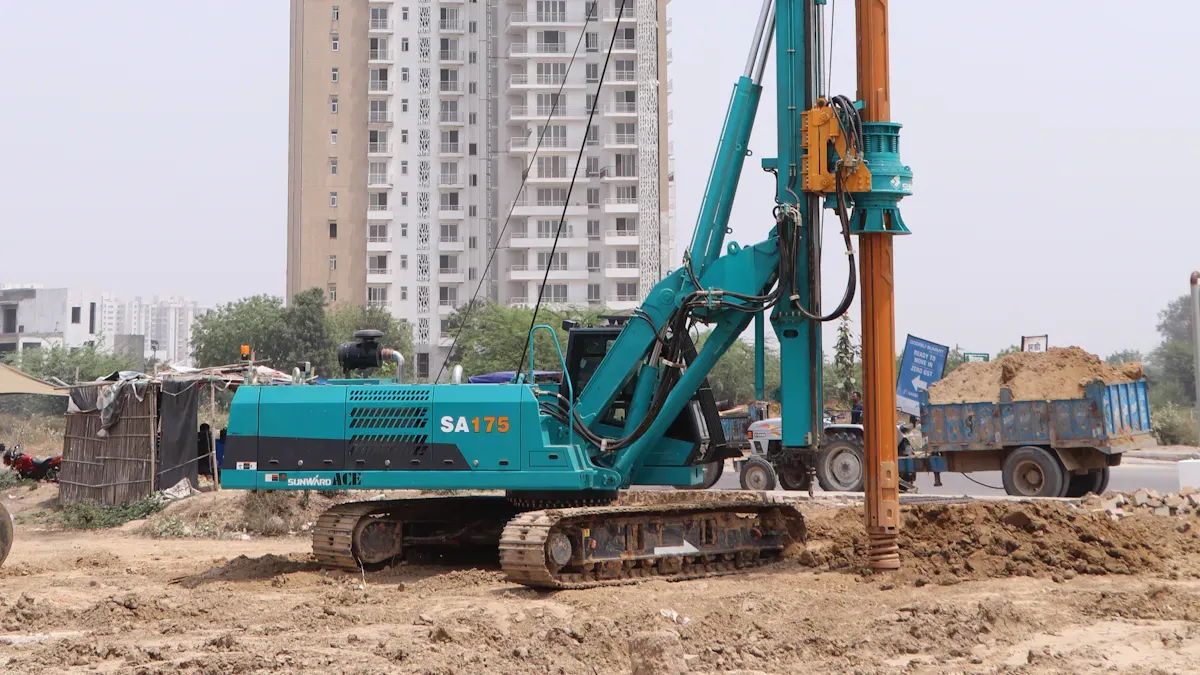
Pre-Installation Planning
You have to plan well before starting a pile driving job. Good planning helps you spread the load across all piles. Here are steps to help you get uniform load distribution:
-
Pick the right equipment size. This lets you reach the design goal without hurting the pile or soil.
-
Put each pile in the right place and keep them straight. Keeping piles lined up stops mistakes and keeps them upright.
-
Drive piles to the depth or resistance you need. Use the best method for your project and check if you meet the design.
-
Watch important details while you install piles. Gather data to see if the piles work as planned.
-
Check the records after you finish. Make sure everything matches the design.
-
Cut piles to the final height and connect them to the building. This step helps the load move evenly.
Tip: If you plan carefully, you make fewer mistakes and avoid expensive fixes later.
Site and Soil Assessment
You need to check the site and soil before putting in piles. This helps you guess how the load will spread and what controls you need. The static load test gives clear results. You put a vertical load on a test pile and measure how much it sinks. This test shows the pile’s bearing capacity and helps you make good models. New machine learning tools can also guess pile bearing capacity very well. These tools use data from old projects, but soil-pile interactions can be tricky.
Different soils change how well your controls work. Look at the table below to see how soil affects pile efficiency:
|
Soil Type |
Pile Type |
Notes |
|
|---|---|---|---|
|
Cohesionless Soil |
Friction Piles |
0.65 - 0.85 |
Efficiency drops as stress overlaps and side friction changes. |
|
Dense Layers/Bedrock |
End-Bearing Piles |
Less sensitive |
Group effects are smaller, but stress can move through softer layers. |
|
Soft Clay |
Mixed Behavior |
Varies |
Calculate efficiency for side friction and end bearing, then combine. |
|
Stratified Profiles |
All Types |
Varies |
Each soil layer needs careful study; efficiency depends on layer properties. |
Note: Always check the soil layers before you pick your pile type and controls.
Pile Type and Material Selection
You must choose the right pile type and material for your job. This choice affects how well Pile Driver Uniform Load Distribution Controls work. Friction piles are good for sandy soils, but they do not work as well if the soil is loose. End-bearing piles are best for hard layers or bedrock. Mixed piles are used in soft clay, but you need to check both side friction and end bearing.
New technology makes pile installation more exact. Hydraulic pile drivers are now very popular. They give you better control and work in different soils. Automated systems watch performance as you work. Precision gripping systems stop piles from getting damaged and save materials. Advanced controls help you avoid mistakes and spread the load evenly.
|
Feature |
Description |
|---|---|
|
Precision Gripping System |
Stops pile damage and keeps materials strong. |
|
Advanced Control Systems |
Gives real-time feedback and helps you adjust during installation. |
|
Hydraulic Technology |
Makes sure piles reach the right depth for long-term stability. |
-
Hydraulic pile drivers are very accurate and work in many soils.
-
Automated systems let you watch and change things as you go.
-
These controls help you save money by cutting downtime and safety risks.
Callout: The Messeturm Tower project showed corner piles carried more load than center piles. Engineers used piles of different lengths to keep settlement safe. Uniform load distribution controls helped balance the load as the building settled.
You can use Pile Driver Uniform Load Distribution Controls to make your project safer and better. Good planning, checking the site, and picking the right piles help you avoid problems and keep your building strong.
Equipment and Cushioning Controls
Choosing Pile Driver Equipment
You have to pick the right pile driver equipment for your project. Good machines help you work with many foundation types. They also make your job faster and safer. Check the table below to see what features help spread the load evenly:
|
Feature |
Description |
|---|---|
|
Versatile multi-pile compatibility |
One machine can work with many foundations. |
|
Advanced alignment systems |
These keep piles in the right spot for strong buildings. |
|
Automatic chuck engagement |
This holds piles tight before driving so they do not move. |
|
Robust construction |
The machine works with different pile materials and stress types. |
|
Quality assurance |
It makes sure piles are driven the same way every time. |
You also need to think about the hammer you use. Pick a hammer that fits the pile size and material. You must know how much stress and speed are safe. Think about how hard it will be to drive each pile and how much weight it can hold.
Cushioning for Driving Stresses
Cushioning keeps piles from getting hurt when you put them in. Most people use plywood for this. Hardwood works too if you use it the right way. Cushions should stay dry and not get burned. Change them if they burn or get too hard after about 1,000 hits. Thick cushions, up to 18 inches, stop piles from cracking when pulled. Thinner cushions, between 6 and 18 inches, protect piles from being squished. Do not use wood, elastomeric, wire rope, or asbestos cushions because they bend too much. New cushions use special plastic or nylon blocks that work better.
Tip: Look at your cushions often. Change them when they wear out to keep piles safe.
Monitoring Systems
You need monitoring systems to watch pile installation. Sensors check how much energy is used and how piles move. Real-time feedback lets you change equipment and cushions right away. Automated systems warn you about problems before they get bad. Using Pile Driver Uniform Load Distribution Controls with monitoring keeps your project safe and on track. You can find uneven loads early and fix them before they cause trouble.
Installation Techniques
Driving Procedures for Uniform Loads
You need to follow simple steps to keep the load even. Start by getting the ground ready with mat systems. Mats spread out the crane and piling loads. This lowers ground pressure and keeps equipment steady. Use temporary ground protection mats on soft soils. These mats help move the load and support good pile placement.
-
Mats must be thick and stiff. They stop bending from heavy forces during pile driving.
-
Contractors should check the soil and prepare the ground. This makes mats work better.
-
Using mats the right way lets you place piles closer together. You get more even loads.
Tip: Always check mats before you start. Replace mats if they are damaged to stop uneven load transfer.
Energy and Sequence Control
You must control how much energy you use to drive each pile. Use the right force so piles go deep enough but do not break. Watch the order you drive piles. Start at the edges and move to the center or follow your engineer’s plan. This keeps the load balanced and stops soil from moving too much.
|
Step |
Action |
Result |
|---|---|---|
|
Energy Adjustment |
Set hammer force carefully |
Stop pile damage |
|
Sequence Planning |
Follow driving order |
Keep load balanced |
|
Monitoring |
Check pile response |
Find problems early |
You can get even load distribution by following these steps. Careful driving and energy control keep your foundation strong.
Load Testing and Quality Assurance

Static Load Tests
You need to check piles with static load tests to make sure the load spreads evenly. Follow these steps to get reliable results:
-
Prepare the pile head. Leave about 60 cm above the cut-off level. Use the top 10 cm for leveling.
-
Install the loading frame. Use steel beams or concrete blocks to build a safe reaction system.
-
Place a steel plate on the pile head. Make sure it is 40–75 mm thick and leveled. Put the hydraulic jack in the center.
-
Set up the measuring system. Connect the hydraulic jack to load cells or a calibrated pump. Mount 2–4 dial gauges on a reference beam far from the pile.
-
Apply the load. Go up to 1.5 times the design load. Add 20%–30% more to check the pile’s ultimate capacity.
Tip: Static load tests help you see if piles can hold the weight and stay safe.
Dynamic and Integrity Tests
You can use dynamic and integrity tests to check pile quality and spot uneven load distribution. Look at the table below to see how each test works:
|
Test Type |
Purpose |
Key Features |
|---|---|---|
|
Checks design load and settlement |
Gradual load, accurate results |
|
|
Dynamic Load Test |
Quick check of load-carrying capacity |
Hammer impact, fast, good for driven piles |
|
Pile Integrity Test |
Finds defects and checks pile quality |
Non-destructive, uses wave signals |
Note: Dynamic and integrity tests give you fast feedback and help you find problems early.
Adjustments Based on Results
You must adjust your pile installation if tests show problems. Use the table below to guide your changes:
|
Adjustment Type |
Description |
|---|---|
|
Change length to get better support |
|
|
Helix Configuration |
Modify helix design for improved load distribution |
|
Spacing |
Adjust pile spacing for optimal capacity |
|
Acceptance Criteria |
Update criteria to balance safety and reliability |
You can use test results to make your foundation stronger. Adjust piles as needed to keep the load even and your building safe.
Troubleshooting and Corrections
Signs of Uneven Load
You need to spot uneven load early. Look for these warning signs:
-
Cracks in the foundation or walls
-
Floors that tilt or feel bouncy
-
Piles that move or shift during installation
-
Unusual sounds when driving piles
-
Uneven settlement around the building
Tip: Use sensors and regular checks to catch these problems before they get worse.
Corrective Actions During Installation
You can fix many problems while you install piles. Try these steps:
-
Stop work if you see piles moving or hear loud cracks.
-
Check pile alignment with a laser or plumb line.
-
Adjust the driving energy if piles go in too fast or too slow.
-
Replace damaged cushions right away.
-
Add extra piles if you find weak spots in the soil.
|
Problem |
Quick Fix |
|---|---|
|
Pile tilting |
Realign and re-drive pile |
|
Pile not reaching depth |
Increase energy or change pile |
|
Crushed cushion |
Replace cushion immediately |
Alert: Always tell your engineer about big changes or repairs.
Post-Installation Solutions
You can still solve problems after you finish installing piles. Here are some solutions:
-
Use grout or concrete to fill gaps under piles.
-
Add underpinning to support weak areas.
-
Monitor the building for new cracks or movement.
-
Schedule regular inspections to catch future issues.
Note: Fast action keeps your building safe and strong. Do not ignore small signs of trouble.
Best Practices and Mistakes
Checklist for Field Engineers
You need to follow a clear checklist to keep pile driving safe and effective. This helps you make sure the load spreads evenly across all piles. Here are important steps you should always check:
-
Use hammer cushions to protect piles and make each hammer strike even.
-
Make sure the hammer helmet is smooth and lines up with the top of the pile.
-
Use leads to keep the pile straight and the hammer impact centered.
-
Check your plans for the right pile layout and direction.
-
Confirm that every pile meets the correct material grade.
-
Review soil boring logs and SPT Blow Count Data to spot hard layers in the ground.
-
Verify that you finish any preboring and excavation before you start driving piles.
Tip: You should walk through this checklist before and during pile driving. This helps you catch problems early and keeps your project on track.
Common Mistakes to Avoid
You can prevent many problems by knowing what mistakes to avoid. Here are some common errors:
-
Skipping soil checks can lead to piles not reaching strong layers.
-
Using worn or burned cushions can damage piles and cause uneven load transfer.
-
Ignoring pile alignment can make piles tilt or shift.
-
Forgetting to check pile material grades can weaken the whole foundation.
-
Rushing the driving process can break piles or miss design depths.
You should stay alert and follow best practices. This keeps your foundation strong and your project safe. Small mistakes can lead to big problems, so always double-check your work.
You can make load spread out evenly by using simple steps. Check your equipment and plan your tests before starting. Make sure the site is safe for everyone. Watch how piles move and if water in the ground changes. Uniform load stops uneven sinking and keeps buildings strong. Use the table below to help you do each step and keep good quality.
|
Actionable Step |
Monitoring Aspect |
Consequence |
|---|---|---|
|
Inspect and calibrate systems |
Check pile inclination |
|
|
Plan load sequences |
Avoid inconsistent performance |
|
|
Manage site access |
Track deep-seated settlement |
Stop overestimated pile capacity |
FAQ
What is the main reason for uneven load distribution in piles?
You may see uneven loads if you skip soil checks or use damaged cushions. Always inspect your site and equipment before starting.
How do you check if piles carry uniform loads?
You can use static load tests or sensors. These tools help you see if each pile holds the same weight.
What should you do if you find cracks after pile installation?
You should report cracks to your engineer. Monitor the area and consider extra support or repairs if needed.


