
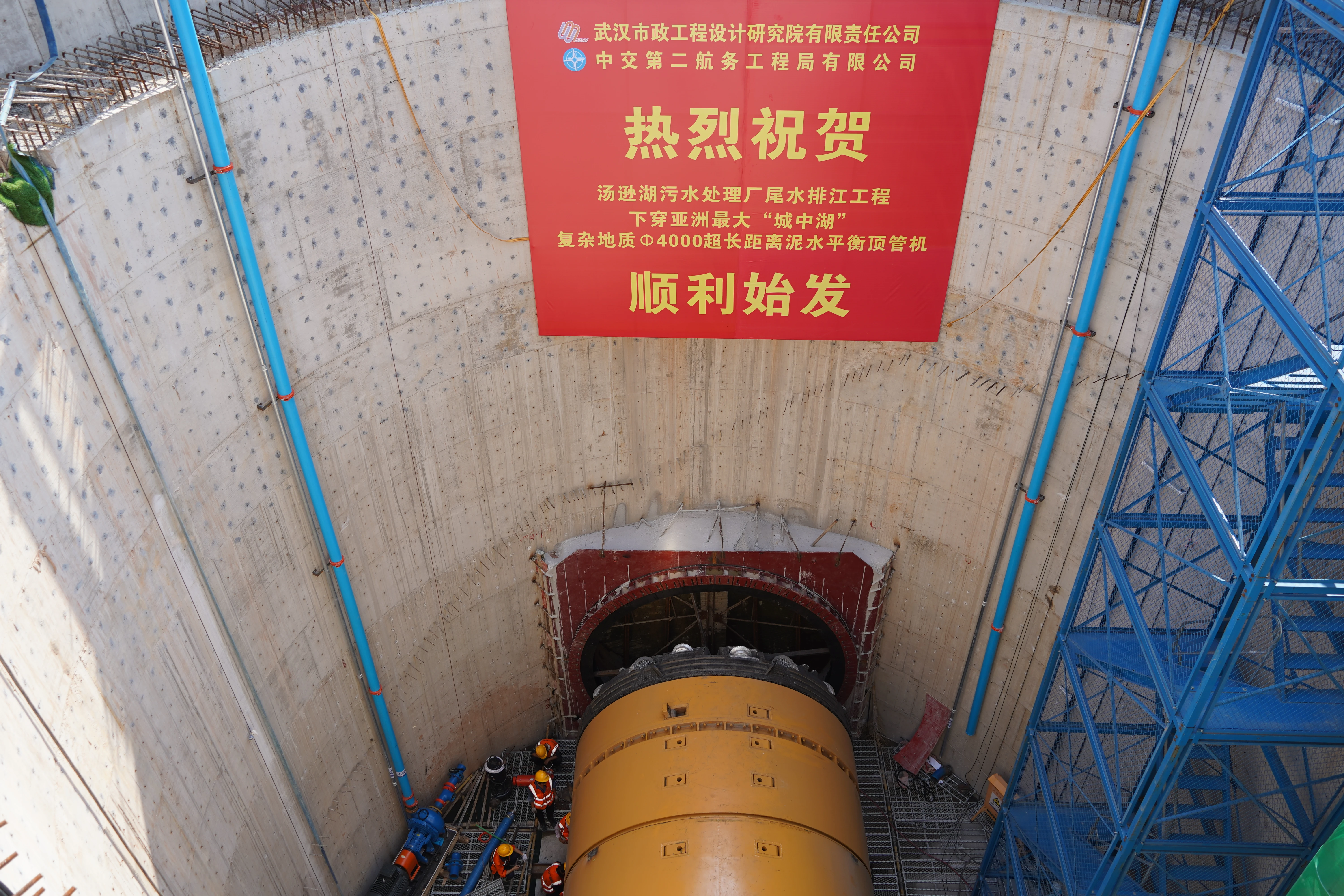
You need good data when you work with tunneling claims. Thrust logs can support claims on TBM tunnel packages. They provide you with essential numbers about how the tunnel boring machine operates and the surrounding ground conditions. The table below illustrates how thrust logs enhance prediction accuracy and ground visibility. CEGC offers tunnel machine solutions you can trust, which help you manage risks more effectively.
|
Aspect |
Findings |
|---|---|
|
Prediction Accuracy |
|
|
GPR Model Performance |
R2 = 0.98, RMSE = 1.45 |
|
Error Metrics |
MAE is 69.27 kN, MAPE is 0.51%, RMSE is 87.56 kN |
Good pictures help you spot changes quickly and address issues before they escalate.
Key Takeaways
-
Thrust logs give important information about TBM work and the ground. They help you handle risks in a good way.
-
Keep your thrust logs neat and use tools that watch them live. This makes sure your tunneling records are right and easy to understand.
-
Use thrust logs to back up claims by linking them to big tunneling events. Make your data easy to see with tables and charts.
Thrust logs in tunnelling operations
Thrust logs help you keep track of your TBM work. These logs show the thrust force and cutterhead torque as the tunnel boring machine moves. You can see how thrust and contact force work together. This helps you notice any forces that might slow down the machine. Thrust logs can support claims on TBM tunnel packages because they show the exact pressure inside the excavation chamber. You use this data to keep your tunneling smooth and steady. When you look at thrust force, you find ways to make your machine work better. This stops the machine from getting stuck and keeps your digging fast.
You write down thrust log data using clear rules. The table below shows how you keep these records during tunneling:
|
Parameter |
Description |
|---|---|
|
Cutterhead Torque |
If this is 0, the machine is not moving and you remove the data. |
|
Advance Force |
If this is 0, it also means a standstill. |
|
Cutterhead Rotations |
A Boolean flag tells if the cutterhead is spinning; if not, you remove the data. |
|
TBM Advance |
Another Boolean flag shows if the TBM is moving; if not, you remove the data. |
|
Temporal Recording Frequency |
This sets how often you write down data, which changes how many points you get for each spot. |
|
Spatial Recording Resolution |
This sets how closely you track the TBM’s spot, which changes how many points you record. |
|
Unique Data Point Calculation |
You use a formula to count data points at the same tunnel spot. |
|
Example Calculation |
If the speed is 30 mm/min, you record one point every 2 seconds, and the resolution is 1 cm, you get 10 points for each spot. |
You use thrust logs to see how the TBM moves and spot changes in the soil. This helps you fix problems fast and keep the shield moving. You keep your records neat and correct, which helps you run the machine well and make claims.
Evidence for TBM performance and ground conditions
Thrust logs can support claims on TBM tunnel packages by giving you numbers about face stability, ground settlement, and how the equipment works. You check things like thrust pressure, chamber earth pressure, and how much bentonite you use every second. You also measure the thickness of the soil and the distance from your check point to the shield tunnel ring. You figure out the compression modulus from the soil layers above the tunnel.
-
Operational Parameters: You check thrust pressure, chamber earth pressure, and bentonite use.
-
Geometric Parameters: You measure soil thickness and distance to the shield tunnel ring.
-
Geological Parameters: You figure out the compression modulus from the soil layers.
You use thrust logs to see how the TBM reacts to different soils. If you see big changes in thrust force, you know the cutterhead might wear out faster. You change how deep you dig and how fast the cutterhead spins to make it last longer. Thrust logs can support claims on TBM tunnel packages by showing how you handle soil conditioning and ground safety. You trust CEGC’s solutions for face pressure, ground safety, and cutterhead wear. These systems help you keep the tunnel safe and stop water from getting in.
You use soil conditioning additives and grouting to make the ground stable. You watch how the soil acts and change the conditioning to keep the face safe. You check grout injection and water safety to stop leaks and ground sinking. You focus on working well and making progress by using thrust logs to support claims and make tunneling better. You write down every step and change, which helps you show success and solve problems. You see how thrust logs can support claims on TBM tunnel packages by giving you good data for risk control and project planning.
Tip: Keep your thrust logs neat and use pictures to spot soil changes and make TBM work better. This helps you succeed and supports claim work.
Best practices for using thrust logs in tunnelling claims
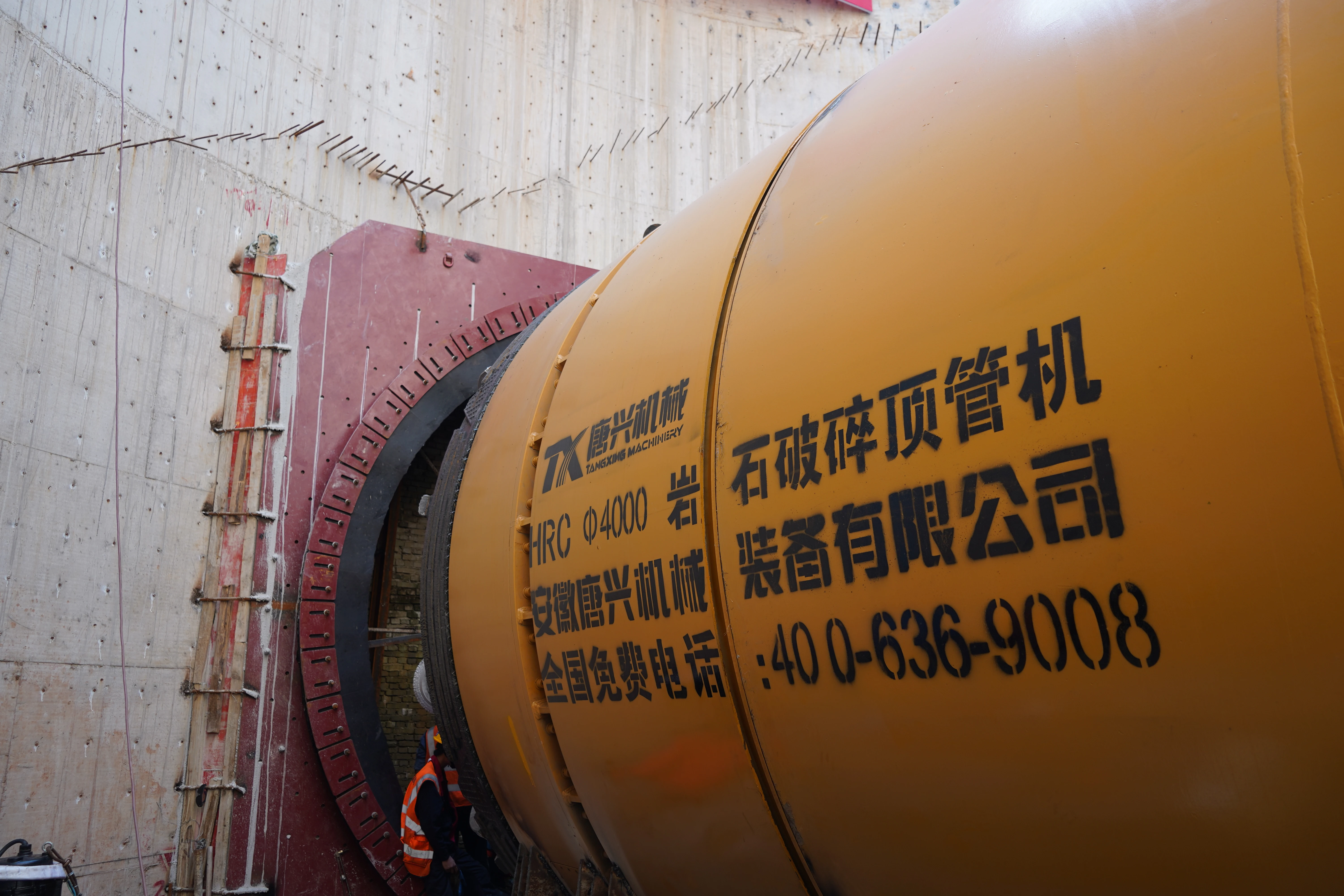
Organizing and maintaining TBM thrust logs
You need to keep your tbm thrust logs organized for clear tunnelling records. Start with real-time monitoring tools. These tools help you see data from your tunnel boring machine as it happens. You can use your phone or computer to check the logs. You should check your data often to make sure it is correct. Use validation steps to find mistakes fast. Train your team to follow the right steps for tbm operation and log management. Clear rules help everyone collect and keep data the same way.
|
Method |
Description |
|---|---|
|
Develop Real-Time Monitoring Tools |
Use apps to watch tbm data live on any device. |
|
Conduct Regular Data Quality Checks |
Check your logs often to catch errors and keep data true. |
|
Train Personnel and Establish Protocols |
Teach your team and set rules for collecting and keeping logs. |
Presenting thrust logs for claim support
You must match your tbm thrust logs with key tunnelling events. If you see a delay, ground movement, or equipment issue, you can use your logs to show what happened. Good logs help you explain changes in soil or ground conditions. You can show how you used soil conditioning additives or grouting to keep the tunnel safe. When you present your logs, use tables and charts to make your data clear. This helps you prove your case and show your success in tbm operation.
Avoiding common pitfalls in tunnelling documentation
You can avoid mistakes by using strong log management. Make sure you protect your logs from changes. Use secure systems to stop others from changing your data. Back up your logs often so you do not lose them. Rotate your logs to keep them small and easy to use. Encrypt your logs and control who can see them. You should use a strong log structure for every tbm advance. This keeps your soil, ground, and conditioning records safe. CEGC can help you with project-based development and support for your documentation. You can improve your efficiency and keep your ground conditioning and grout records ready for any claim.
Tip: Keep your logs neat and match them to each tunnelling event. This helps you show your work and keeps your development on track.
You rely on thrust logs to support your claims on TBM tunnel packages. Good records help you manage risk and solve disputes. When you follow best practices, you keep your ground safe and your project on track. Trust CEGC for expert help with tunnelling documentation.
FAQ
What is a thrust log in TBM tunneling?
A thrust log is a record of force. It shows how much force the tunnel boring machine uses. You use it to check how the machine works. It also helps you see if the ground changes.
How do thrust logs help with tunneling claims?
Thrust logs give proof of what the machine did. They help you show why there were delays or ground problems. You can also use them to explain equipment troubles.
Why should you trust CEGC for TBM documentation?
|
Reason |
Benefit |
|---|---|
|
Market-standard specs |
You get strong performance |
|
Customization |
It matches your project |
|
Expert support |
You can prepare claims easily |


