
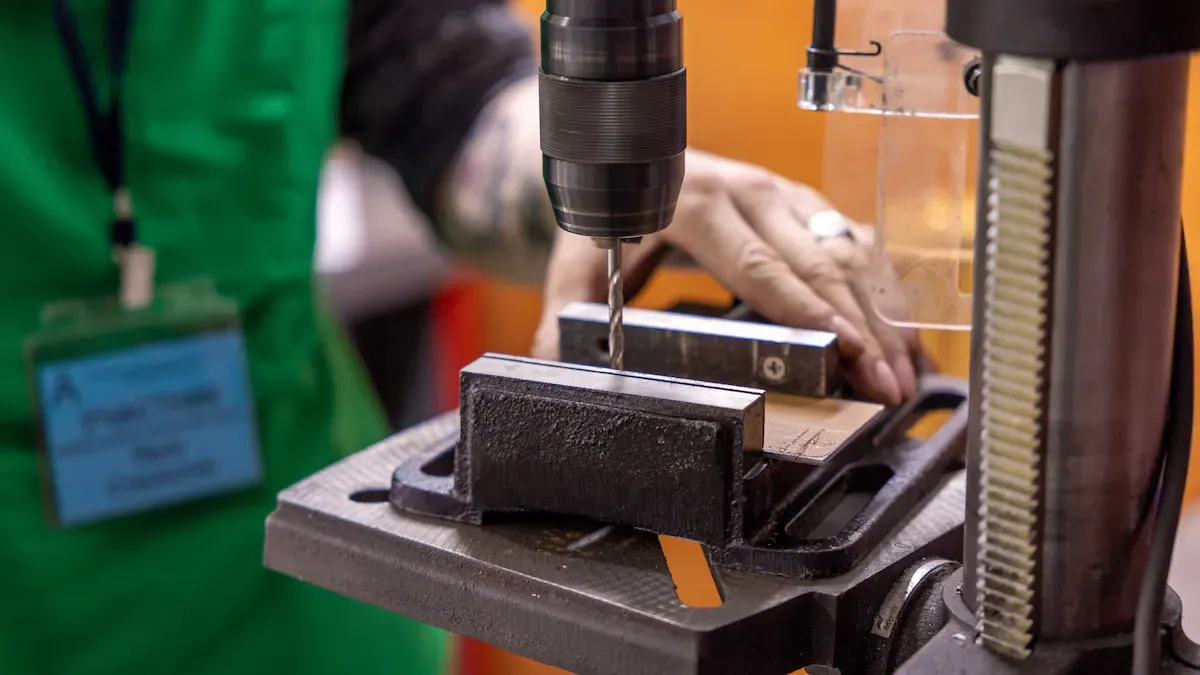
When you use a hole drilling tool, the Hole Drilling Tool Thermal Guard Cuts Downtime by preventing overheating and potential equipment failure. This essential component ensures your tools remain safe and operational. It's crucial to select the appropriate drill and thermal guard for your specific job requirements. CEGC provides excellent solutions tailored to various materials and project needs.
Key Takeaways
-
A thermal guard stops the tool from getting too hot. This lets you drill for a longer time without stopping. Your projects stay on track and you feel less annoyed.
-
A thermal guard helps your drilling tool last longer. It keeps the tool safe from heat damage. You do not have to spend as much money fixing or replacing it.
-
Picking the right drill for your material is very important. Use the right drill for each material to stop overheating. This helps you get better results.
What Is a Thermal Guard
How Thermal Guards Work
You use a thermal guard to protect your drilling tool from heat damage. This device senses the temperature during drilling. When the tool gets too hot, the thermal guard steps in. It can slow down the motor or stop the tool for a short time. This action keeps the tool safe. You can drill longer without worrying about sudden stops or failures. The thermal guard helps you finish your drilling projects faster and with fewer problems.
Thermal guards use smart sensors. These sensors check the heat level every second. If the temperature rises too much, the guard reacts right away. You do not need to guess if your drilling tool is too hot. The thermal guard does the work for you. This feature is important for both new and experienced users.
Why Overheating Matters
Drilling creates a lot of friction. Friction makes heat. If you drill for a long time, your tool can get very hot. Overheating can cause many problems for your drilling tool:
-
The motor can burn up insulation.
-
The tool can stop working in the middle of a drilling job.
-
You may need to replace parts more often.
-
The tool can become unsafe to use.
Some users say that their Milwaukee M18 Fuel Gen 3 drill gets warm during heavy drilling. They have not seen severe overheating, but they know it can happen. Controlled testing shows that overheating is a real concern for drilling tools. You should always watch for signs of heat when drilling. A thermal guard helps you avoid these problems and keeps your drilling safe and smooth.
Hole Drilling Tool Thermal Guard Cuts Downtime
Minimize Interruptions
You want your work to move smoothly. When you use a hole drilling tool thermal guard cuts downtime, you avoid sudden stops. Overheating often causes tools to shut down in the middle of a job. This wastes time and can frustrate you. The thermal guard senses heat and acts before problems start. You keep drilling without waiting for your tool to cool down.
Tip: If you drill many holes in a row, a thermal guard helps you finish faster. You do not need to pause and check your tool every few minutes.
Many workers say that the hole drilling tool thermal guard cuts downtime by letting them complete more tasks in less time. You can plan your day better because you do not face unexpected delays. This means you finish projects on schedule and keep your team happy.
-
You avoid tool shutdowns.
-
You reduce waiting time.
-
You keep your focus on drilling.
Extend Tool Life
You invest money in your tools. You want them to last as long as possible. The hole drilling tool thermal guard cuts downtime and also protects your equipment. When you drill, heat builds up inside the motor and other parts. Too much heat can damage these parts and make your tool wear out faster.
A thermal guard keeps the temperature safe. You do not need to worry about burning out the motor or melting wires. This means you spend less money on repairs and replacements. You get more value from your drilling tool.
Note: Regular overheating can shorten the life of your tool by years. Using a thermal guard helps you avoid this risk.
You also work safer. Tools that overheat can become dangerous. The hole drilling tool thermal guard cuts downtime and keeps you safe by stopping the tool before it gets too hot. You protect yourself and your team while drilling.
-
You save money on repairs.
-
You use your tool for more years.
-
You work in a safer environment.
When you choose a tool with a thermal guard, you make a smart decision. You keep your projects moving, protect your investment, and stay safe during every drilling job.
Choose the Right Drill for Your Needs
Match Drill Type to Material
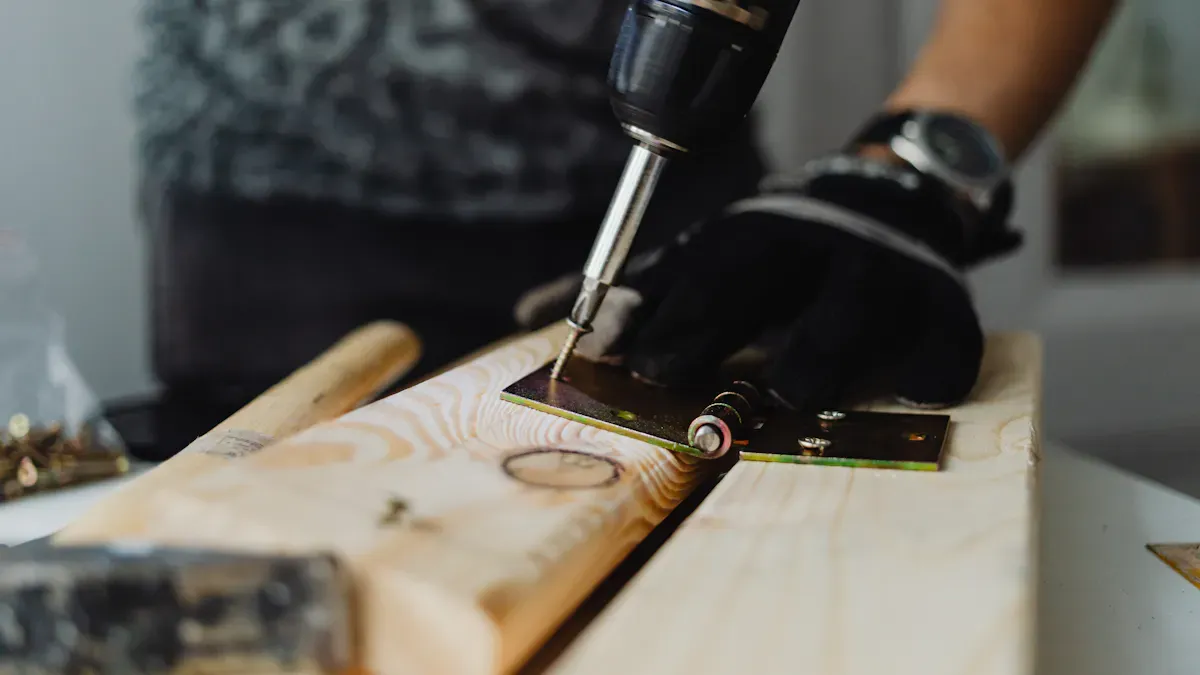
You have to pick the right drill for your project. First, look at what material you will drill. Each material needs a special drill type. For example, FR-4 is good for cheaper boards. Rogers is better for high-frequency jobs. You need to change things like spindle speed and feed rate for each material. This helps you keep the tool cool and stops damage.
-
Use strong drill bits for hard materials.
-
Keep your drill bits sharp by taking care of them.
-
Use cooling methods to control heat when drilling.
You get better results if you match the drill to the material. You stop overheating and finish faster. If you use a cordless drill, you can move from one material to another easily. You also save time because you do not switch tools a lot.
Power, Voltage, and Battery Tips
You want your drill to work well for your job. Check the power and voltage before you buy. A strong drill gives you more speed and power. You need higher voltage for tough jobs. If you use a cordless drill, look at the battery life. A long battery lets you drill more holes without stopping.
Tip: Pick a cordless drill with an extra battery. You can switch batteries and keep working without waiting.
Check the battery size too. Bigger batteries last longer but can be heavy. You need to balance battery life and comfort. Compact drills are lighter and easier to hold. They are good for small jobs and tight spaces. Cordless drills are great if you need to move around. You can use them where there are no outlets.
|
Feature |
Description |
|---|---|
|
Product Name |
|
|
Type |
Heat reducing & ‘Energy Saving’ elastomeric coating |
|
Primary Benefit |
Reduces power use by lowering the load on air-conditioners and keeping rooms cool |
|
Additional Function |
Waterproofing |
Drills with thermal guards help you use less energy. They keep your tool cool and save power. You spend less money on electricity and your cordless drill battery lasts longer.
Mobility and Ergonomics
You need to move your drill easily and work in comfort. Mobility is important if you work in many places. Cordless drills let you move without cords. You do not need to worry about finding outlets. Compact drills fit in small spaces and are light. You can carry them all day and not get tired.
Ergonomic design helps you work longer with less pain. Look for drills that make your hands and arms feel better. The table below shows some ergonomic features and why they help:
|
Ergonomic Feature |
Benefit |
|---|---|
|
Weight Offset |
Takes away up to 75 pounds of strain from your body. |
|
Working Range |
Lets you reach up to 100 inches across and 52 inches up and down. |
|
Rotation Capabilities |
Lets you turn 220° up and down and ±90° side to side for more movement. |
|
Mobile Base |
Makes it easy to move between workstations. |
|
Compatibility |
Works with most magnetic drill models so you do not need new tools. |
You do more work with a drill that feels good to use. You feel less tired and stay safe. Think about weight, balance, and grip when you choose a drill. Compact drills help in small spaces and make you less tired. Cordless drills let you move and finish jobs faster.
Note: Try the drill before you buy it. Make sure it feels good in your hand and fits your work.
You can pick the right drill by thinking about material, power, battery, how easy it is to move, and how it feels to use. You get better results, save time, and protect your health.
Best Drill Features for Thermal Protection
Key Features to Look For
When you want the best drill for your project, you need to check for thermal protection features. These features help you avoid overheating and keep your tool running longer. Look for these important features:
-
Built-in thermal sensors: These sensors watch the temperature and stop the drill if it gets too hot.
-
Automatic shut-off: This feature protects the motor and keeps you safe.
-
Cooling fans: Fans move air through the drill and help lower the heat.
-
Heat-resistant materials: The best drill uses strong parts that do not melt or break from heat.
-
Smart speed control: This lets you slow down the drill when it gets warm.
Tip: The best drill often has a light or sound to warn you when it is too hot. This helps you act fast and avoid damage.
Material Compatibility
You need the best drill that matches the material you work with. Some drills work better with wood, metal, or plastic. The best drill for metal may have stronger cooling and tougher bits. If you drill wood, you want a drill that does not overheat from dust. Always check the drill’s guide to see which materials it handles best.
|
Material |
Best Drill Feature Needed |
|---|---|
|
Wood |
Dust control, moderate cooling |
|
Metal |
Strong cooling, tough bits |
|
Plastic |
Low heat, gentle speed |
Choosing the best drill with the right thermal guard for your material helps you finish jobs faster and keeps your tool safe.
Comparing Thermal Guard Types
Passive vs. Active Protection
You can pick passive or active thermal guard systems. Each type controls heat in its own way.
-
Passive cooling lets heat leave on its own. It uses special materials or shapes. This works best when your tool is not working hard. It is quiet and you do not need to fix it often.
-
Active cooling uses fans or electronics to move heat away. This helps when your tool gets very hot. You might hear some noise. It can use more power if it runs a lot.
-
Experts say a hybrid system is best. It mixes passive and active cooling. You get quiet use for easy jobs. You get strong cooling for tough jobs.
Tip: If you drill both easy and hard jobs, a hybrid system is the most flexible.
Maintenance and Durability
You must take care of your thermal guard to make it last. Check it often to find problems early. This helps you save money on repairs. Good design lets you look at and change parts easily. This keeps your tool safe and saves money over time.
Take care of your tool before problems start. Do not use your tool in very hot places for too long. Turn off your drill when you are not using it. Keep sensors clean and update software if needed. Check seals and batteries before each season. After hard work, clean your tool and write down any problems. These steps help your thermal guard last longer and keep you safe while drilling.
You boost efficiency and reduce downtime when you choose a hole drilling tool with a thermal guard. You protect your investment and improve efficiency on every project. Take time to review your needs. Pick the right drill for your job. Smart choices lead to better results and lower costs.
FAQ
What does a thermal guard do for my drill?
A thermal guard protects your drill from overheating. You can work longer and avoid sudden stops or tool damage.
How do I know which drill is right for my project?
You should check a drill buying guide. It helps you compare features, power, and thermal protection for your specific needs.
Do all drills come with thermal guards?
Not every drill has a thermal guard. You need to check the product details before you buy.


