
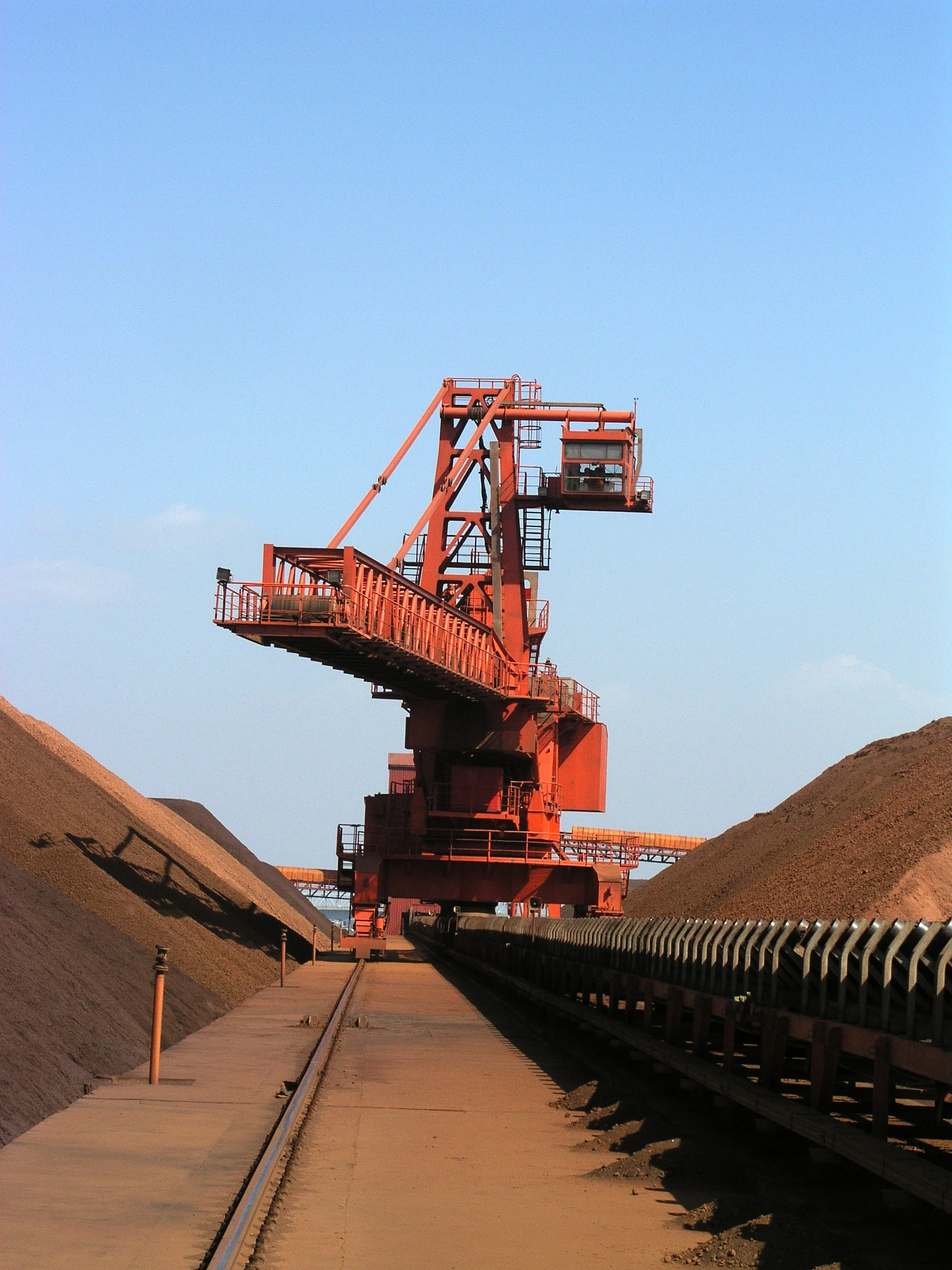
You can ensure effective portal crane safety zones by properly marking clear lines and identifying potential hazards. Setting them right is essential for safe operations. CEGC provides port machinery that complies with strict industry standards, incorporating automation and anti-sway technology to enable faster and safer cargo handling. Real-time data monitoring further enhances operational efficiency and safety, helping you maintain optimal performance across your port activities.
Key Takeaways
-
Mark safety zones clearly around portal cranes. This helps keep workers safe from moving machines and falling things. - Use color-coded signs and barriers to show safe lift zones. This makes sure everyone knows where to stand and where not to go. - Check the area often and look for risks. This helps keep safety rules strong during crane work.
Portal crane safety zones: set them right
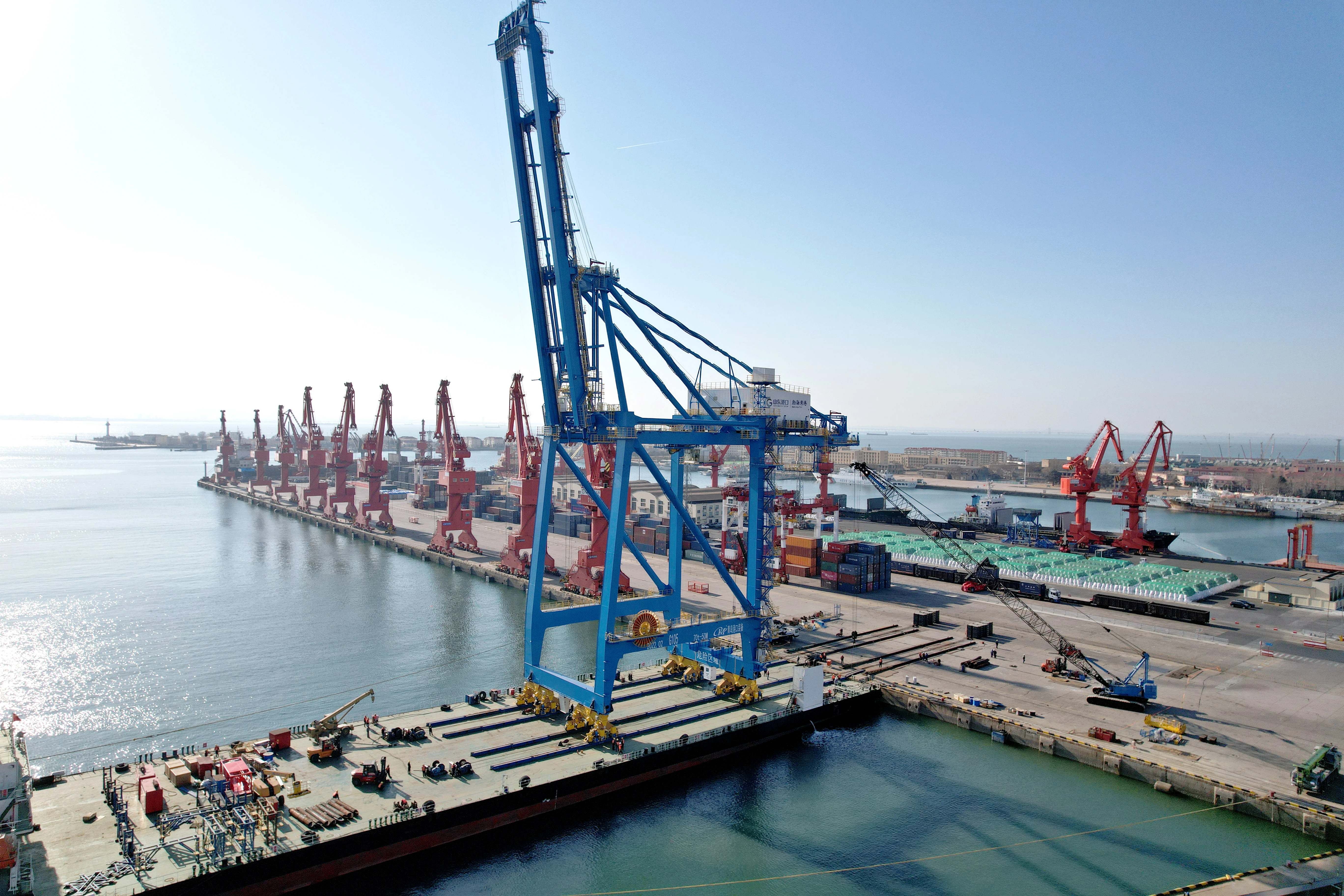
What is a safety zone
A safety zone is an area marked around a portal crane. Only trained workers who have permission can go inside. These zones help keep people safe from moving machines and falling things. When you set up portal crane safety zones: set them right, you make a safe space for everyone at work. You can use bright paint, signs, or barriers to mark these zones. This lets everyone see where it is safe to stand and where they should not go.
Tip: Always make sure your safety zone fits the size and movement of your portal crane. Change the boundaries if you move the crane or change the load size.
Why safety zones matter
You need to set portal crane safety zones: set them right to stop accidents and injuries. If you do not follow these zones, bad things can happen. For example:
-
In 2025, a person in India died when a crane moved outside its path.
-
Pieces from broken booms have hurt people who thought they were far enough away.
You can stop these dangers by making sure portal crane safety zones: set them right. Training is very important. You should give first training, support NCCCO certification, and have regular review classes. Practice drills and feedback help your team remember what to do.
Digital monitoring systems also help portal crane safety zones: set them right. These systems use sensors to watch crane movement and conditions. They can warn you about dangers, limit the crane’s area, or even stop the crane if needed. This technology helps keep your safety zones working well every day.
Creating a safe lift zone for portal and overhead cranes
Marking and signage for safe lift zones
You need clear marks and signs for every overhead crane. These marks show where the lift zone starts and ends. Use colored floor marks to show different areas. Yellow means be careful. Red means danger. Orange means warning. White shows the edge. Mark the swing area of the crane and the path for loads. This makes the safe lift zone easy to see.
|
Best Practice |
Description |
|---|---|
|
Use ANSI color codes: Yellow for caution, Red for danger, Orange for warning, White for boundaries. |
|
|
Marking crane swing radius |
Clearly mark the full swing radius of the crane and the load travel path to ensure visibility. |
|
Physical barriers |
Install barriers like retractable stanchions or fixed guardrails to prevent unauthorized entry. |
|
Load path planning |
Plan the load path to avoid traveling over people and ensure the path is clear before lifting. |
|
Regular audits |
Conduct quarterly audits of lift zones to ensure markings and barriers are maintained and effective. |
LED projector systems and safety projectors help too. They shine bright warnings on the floor and around the crane. Workers can see the safe lift zone even in busy or dark places. Signs and painted lines work well. LED systems add extra safety because they move with the crane.
|
Visual Indicator Type |
Description |
|---|---|
|
LED Projector Systems |
Projects bright, visible warnings around overhead crane loads, adapting to crane movement for ongoing safety indications. |
|
LED Crane Safety Projector |
Provides clear visual warnings to maintain safe distances from cranes, reducing accident likelihood in high pedestrian traffic areas. |
|
LED Crane Safety Projector |
Projects clear warnings onto the floor, delineating hazard zones and improving safety by helping personnel recognize danger areas. |
Barriers, exclusion, and drop zones
Barriers and exclusion zones keep people out of dangerous places. You must put barriers around the safe lift zone and maintenance zone. Use stanchions or guardrails to block entry. These barriers stop people from walking into the crane’s path.
Exclusion zones are under the load and the swing path. Drop zones are where a load could fall if something goes wrong. Check these zones often to make sure barriers stay up and rules are followed.
|
Zone Type |
Safety Benefit |
|---|---|
|
Exclusion Zone |
Prevents unauthorized access and reduces the risk of injury from dropped objects. |
|
Drop Zone |
Ensures that only trained workers enter areas where loads could fall, minimizing accident risk. |
|
Regular Inspection |
Keeps barriers and safety rules effective, reducing hazards during lifting operations. |
If you skip exclusion zones or drop zones, accidents can happen. Always keep these areas clear and marked. This keeps everyone safe in the maintenance zone.
Planning load paths and crane movement
You must plan the load path for every crane before lifting. Good planning keeps the lift zone and maintenance zone clear. Start by checking the area for wide aisles and access points. Make sure the crane has space to move without hitting anything.
-
Schedule regular checks for the crane and maintenance zone.
-
Make sure aisles are wide enough for safe crane movement.
-
Keep enough space above and beside the crane and workers.
-
Use planning tools to help with load path planning. AI systems can check wind speed and other things. They give safe lift limits and movement rules in real time. These tools help you change the load path if needed.
Automation and remote operation help too. They keep people out of the crane’s path and lower accident risk. Safety sensors and emergency controls watch for problems and can stop the crane if needed.
Risk assessment and hazard mitigation
You need to check for risks before every lift. Look for hazards in the lift zone, maintenance zone, and safe maintenance zone. The most common hazards are overloading the crane, swinging loads, crashes, and dropped loads.
|
Hazard Type |
Description |
|---|---|
|
Overloading a Crane |
Structural stresses can lead to irreversible damage; caused by excessive load or improper handling. |
|
Swinging Loads and Collisions |
Occurs when loads swing due to improper hoist positioning, posing safety risks and reducing productivity. |
|
Dropped Loads |
Falling materials can cause severe injuries; factors include improper securing and mechanical failures. |
Anti-sway systems keep loads steady. These systems help control swinging loads and make placing cargo easier. Collision avoidance systems stop the crane if it gets too close to something. Safety interlocks stop the crane from moving if it is not safe.
Operator HMI systems show real-time data about the crane and maintenance zone. You can see alarms, camera feeds, and load info on one screen. This helps you spot problems fast and keep the lift zone safe. Extra monitoring systems keep the crane safe even if one part fails. A simple user interface lets you react quickly to hazards.
CEGC offers crane solutions with standard specs and custom options. You can pick the right anti-sway system, safety interlocks, and operator HMI for your port. CEGC helps you set up the maintenance zone and safe maintenance zone for your needs. This makes sure your lift zone meets all safety rules and keeps your team safe during lifting.
You can make portal crane safety zones by doing these steps. First, check the crane and the area around it. Next, mark the lift zones and keep them safe. Then, use the right rigging and follow load limits.
Doing risk checks often stops accidents and keeps your team safe.
|
When |
Purpose |
|
|---|---|---|
|
Initial Inspection |
Before first use |
Make sure everything works safely |
|
Frequent Inspection |
Daily to monthly |
Find dangers and keep things working well |
|
Periodic Inspection |
Every 1–12 months |
Check the crane’s parts and wires |
You should ask CEGC for better safety tools and help for your project.
FAQ
What is the main purpose of a portal crane safety zone?
You use a safety zone to keep people safe from moving cranes and falling objects. It marks where only trained workers can enter.
How do anti-sway systems help with crane safety?
Anti-sway systems keep loads steady. You get better control and reduce the risk of swinging loads or collisions during lifts.
Can you customize CEGC crane safety features for your port?
Yes, you can choose custom safety options like anti-sway, interlocks, and operator displays. CEGC matches solutions to your port’s needs.


