
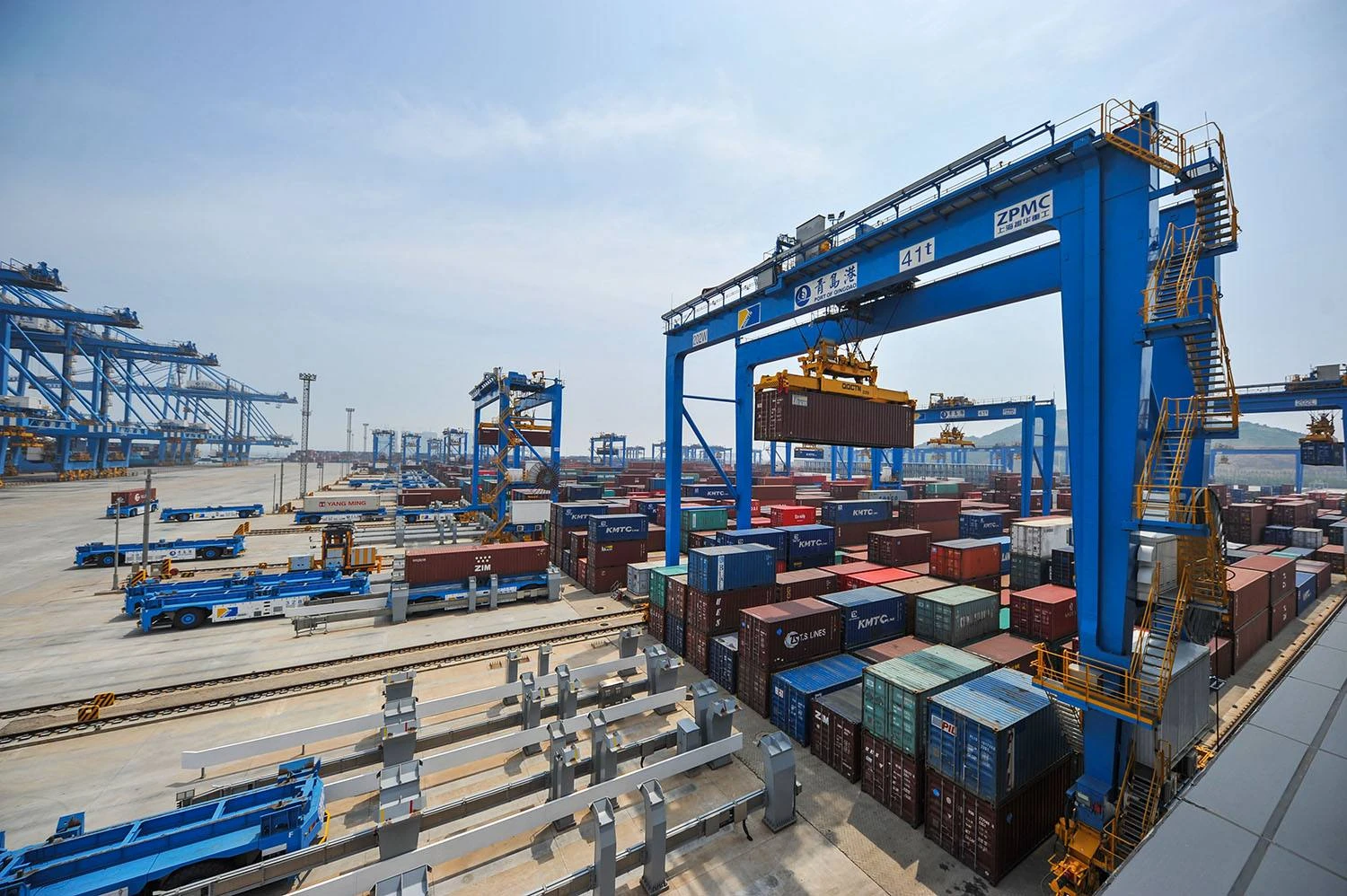
You need the right portal crane limit settings to keep your team safe. These settings also help your equipment last longer. Safety features like limit switches and overload protection stop mechanical strain. They also help reduce operator mistakes. These safety features lower maintenance costs. They also help cranes work more often.
-
You deal with problems like load sway, collision risk, and operators making mistakes every day.
-
CEGC gives you advanced portal crane solutions. These solutions have safety features you can change for your port.
|
Challenge |
Description |
|---|---|
|
Planning is hard and work is less efficient. This affects your workflow. |
|
|
Operational inefficiencies |
Costs go up and delays slow down your service. |
|
Lack of skilled resources |
Crane operations lose their edge and new ideas. |
|
Integration complexities |
Different IT systems make it hard to grow fast. |
|
Increasing regulations |
New rules make it harder to use expensive port equipment. |
Portal crane limit settings that avoid hard stops help you stay safe and work better.
Key Takeaways
-
Setting the correct limit switches on portal cranes makes them safer and lowers repair costs. Testing them often makes sure they work right.
-
Using both mechanical and electronic limit switches gives more control and options. This helps stop hard stops and keeps the load from swinging.
-
Adding anti-sway systems and safety interlocks makes using the crane safer and faster. This helps crane work go smoothly and safely.
Portal crane limit settings that avoid hard stops
Setting the right portal crane limit settings that avoid hard stops keeps your work safe and smooth. You need to know how mechanical and electronic limit switches work. Each type helps your container crane, ship crane, or cargo crane in different ways. When you set up these switches the right way, you protect your equipment and your team.
Mechanical limit switches setup
Mechanical limit switches use touch to find where moving parts are. You see these switches on many portal cranes, like container handlers and ship loaders. They help stop over-travel and collisions.
-
Mechanical limit switches use a lever or plunger that gets pushed when the crane reaches a certain spot.
-
These switches can be rope guide-based or geared. Both types work well if you take care of them.
-
You must change the rope guide when you change the wire rope to keep the switch working right.
-
The Machinery Directive says you need to check risks and pick the right limit switch for each job.
You set up mechanical limit switches by putting them at important spots along the crane’s path. You use them to set top and bottom limits for hoisting and trolley movement. You also set slow-down spots before the final stop. This helps the brake work smoothly and stops sudden stops.
Tip: Do not use only one upper limit switch for safety. Use more switches and safety interlocks to make extra safety layers.
Here is a table showing important rules for setting slow-down and final stop spots:
|
Regulation |
Description |
|---|---|
|
1910.179(e)(1) |
Stops must be at the ends of travel for the trolley and must hold up against forces when hit. |
|
1910.179(e)(2)(i) |
Bumpers must be put in to stop the crane at a slowing rate not faster than 3 ft/s/s at 20% of rated load speed. |
|
1910.179(e)(3)(i) |
Trolley bumpers must also be able to stop at a slowing rate not faster than 4.7 ft/s/s at one-third of rated load speed. |
You need to test the main upper limit switch at the start of every shift. Slowly lift the empty hook until the switch turns on. Test other limit switches every week or month. This keeps your portal crane limit settings that avoid hard stops working as they should.
Electronic and programmable limits
Electronic and programmable limit switches give you better control over your crane. You can set these switches with software or control panels. This makes them great for modern container gantry cranes, reach stacker forklifts, and offshore platform cranes.
Electronic limit switches do not use touch. They use sensors to find position. This means less wear and more flexible settings. You can set slow-down and final stop spots to fit your work. This helps the brake work gently, lowering load sway and mechanical shock.
Here are the steps to set electronic limit switches for your portal crane limit settings that avoid hard stops:
-
Make sure the actuator can move enough both ways for your setup.
-
Move the actuator to its pulled-in spot. Check the limit switch nuts so they do not touch.
-
Turn the retract limit switch nut until you hear a click. Leave some room for drift.
-
Turn power back on and move the actuator to check if the limit switch works.
-
Do these steps again for the extended position limit switch.
You should check electrical parts at least every three months. If your crane works in tough places, check more often. Regular tests and changes keep your portal crane limit settings that avoid hard stops working well.
Anti-sway systems and safety interlocks make your limit switch setup even better. They help you avoid hard stops by controlling load movement and stopping unsafe actions. Here is a table showing how these features help:
|
Advantage |
Description |
|---|---|
|
Increased Safety |
Lowers load sway, cuts the risk of crashes and drops, keeps operators safe. |
|
Improved Operational Efficiency |
Stops sway, keeps loads steady while moving, and makes work faster. |
|
Enhanced Operational Safety |
Stops wrong actions with interlock devices, lowers accident risks. |
|
Increased Operational Reliability |
Makes sure work follows safety rules, improves reliability. |
You need to use both mechanical and electronic limit switches for the best results. Set slow-down and final stop spots carefully. Test and change your switches often. Use anti-sway and safety interlocks to help your portal crane limit settings that avoid hard stops. This keeps your crane, brake, and team safe and makes your work better.
Best practices for safe portal crane operation
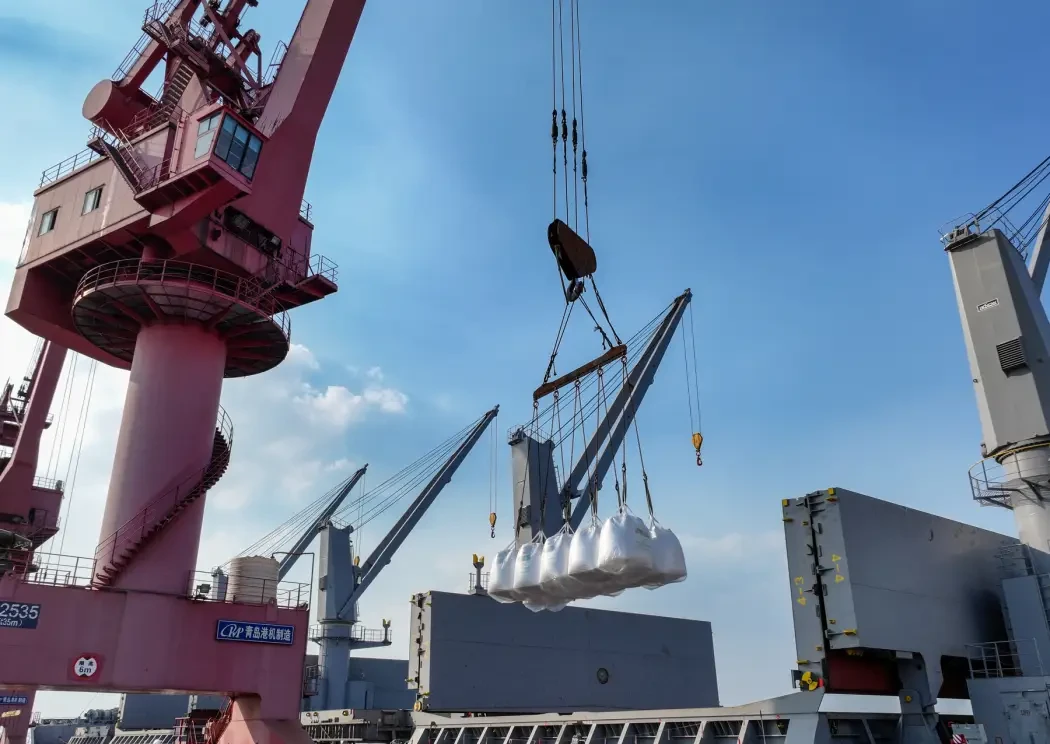
Anti-sway and safety interlocks
You can make cranes safer by using anti-sway control and safety interlocks. Anti-sway systems help keep loads steady, even when it is windy. This lowers the chance of accidents and helps you work faster. Safety interlocks stop unsafe actions before they happen. HMI panels show alarms and status updates that are easy to read. This helps you make good choices and avoid mistakes.
CEGC gives you portal crane solutions with safety, anti-collision, and marine durability features you can pick. You can choose the best options for your port, like advanced sensors and safety device upgrades.
Operator training and maintenance
A strong training program keeps your crane team safe. Operators need to learn rules, practice skills, and get updates often. Here is a table that shows the main parts of a good training program:
|
Essential Component |
Description |
|---|---|
|
Understanding ASME B30 Regulations |
Learn equipment rules, load handling, and emergency steps. |
|
Practical Skill Development |
Mix classroom lessons with hands-on practice. |
|
Progressive Skill Development |
Start with basics and move to advanced skills. |
|
Regular Refresher Training |
Keep skills sharp and stay updated on new rules. |
|
Rigging and Signal Person Certification |
Learn safe rigging and team communication. |
|
Practical Training Sessions |
Use real equipment to practice. |
|
Continuous Assessment |
Get checked often to find and fix weak spots. |
You should check your crane every shift, week, and month. This helps you find problems early and stop downtime. Regular maintenance lowers repair costs and keeps your portal crane working well.
Troubleshooting hard stops
Hard stops can happen for many reasons. Electrical failures, misalignment, or control problems are common causes. You can fix these problems by doing these steps:
-
Check and clean conductor bars and collectors.
-
Measure and adjust the diagonal difference of end carriages.
-
Check the transmission system gap and fix motor sync problems.
If you keep your track clean and use standard wheels, you will stop many hard stops. Always check your crane after overloads or repairs to make sure it is safe.
You set portal crane limits with mechanical and electronic solutions. This helps you control loads smoothly and keeps everyone safe. Maintenance and training stop accidents from happening. CEGC’s systems let you use anti-sway and watch your crane in real time.
FAQ
What is the main benefit of setting slow-down points on a portal crane?
You reduce hard stops. This protects your crane and keeps your team safe. You also lower the risk of load sway and collisions.
How often should you test portal crane limit switches?
You should test main limit switches daily. Test other switches weekly or monthly. Regular checks help you catch problems early.
Can CEGC customize safety features for my port’s needs?
Yes! CEGC offers project-based customization. You can choose anti-sway, anti-collision, and marine durability options for your portal crane.


